AD Guardian cloud is a comprehensive suite for increasing productivity, security and compliance

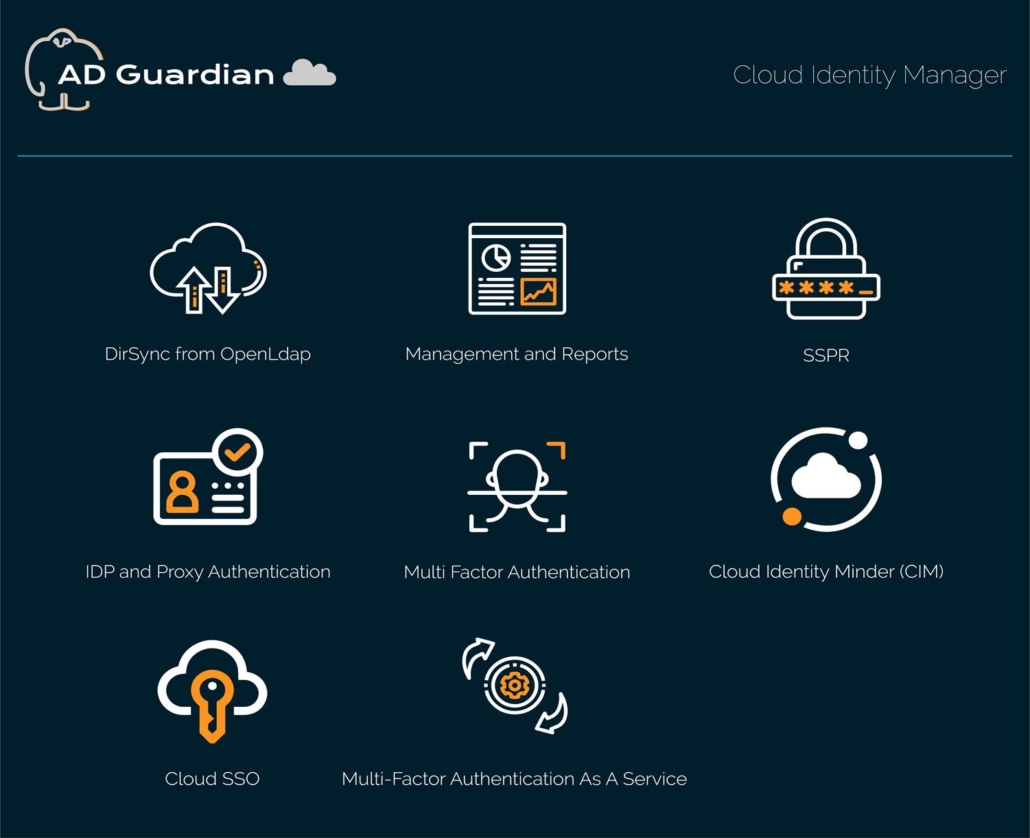
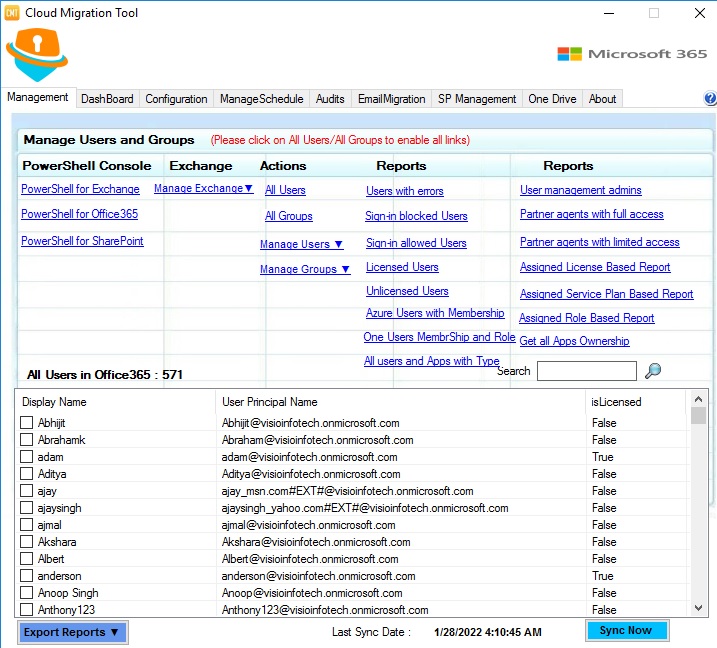
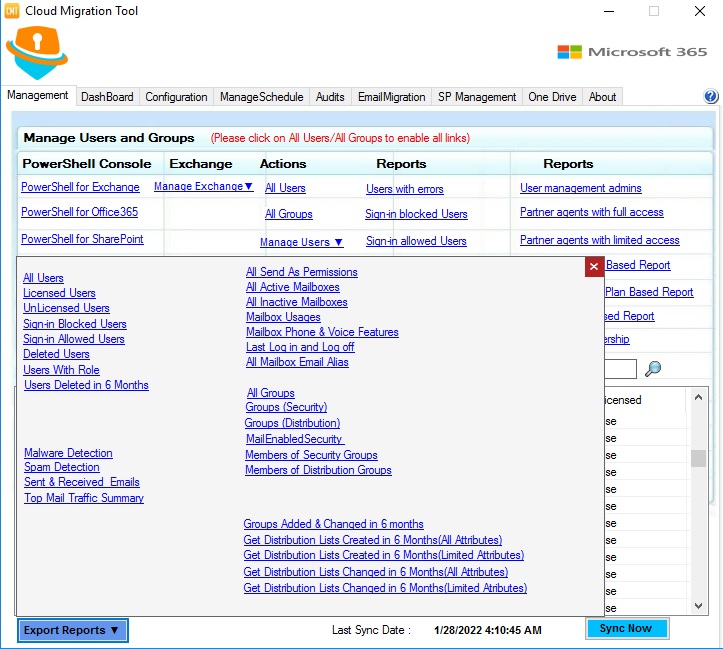
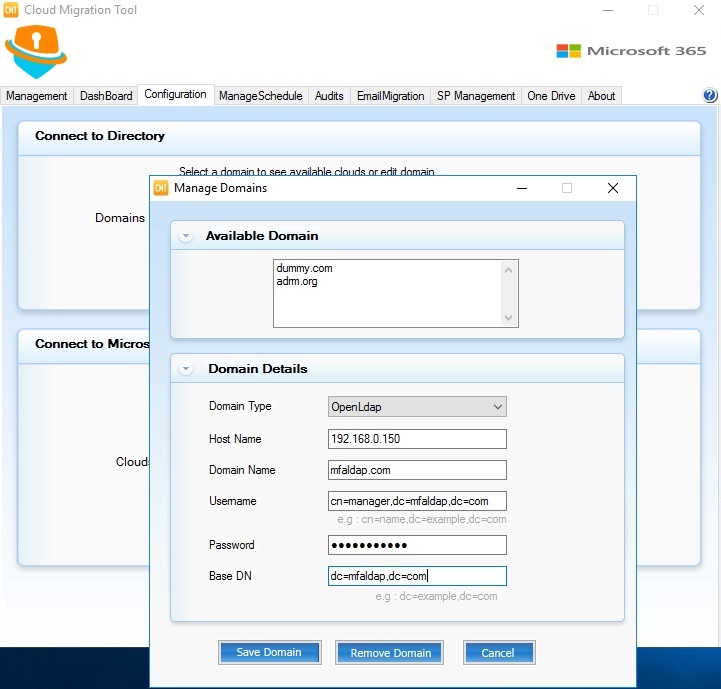

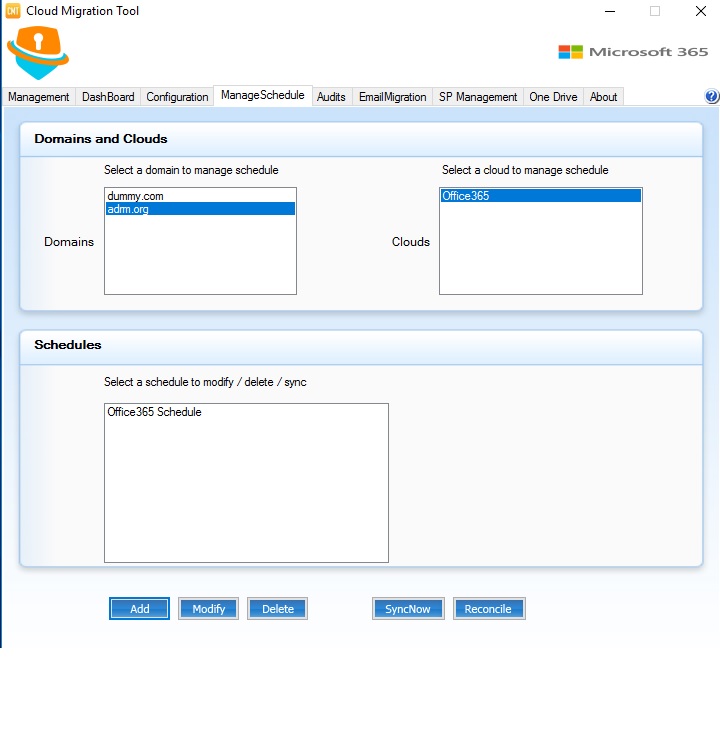
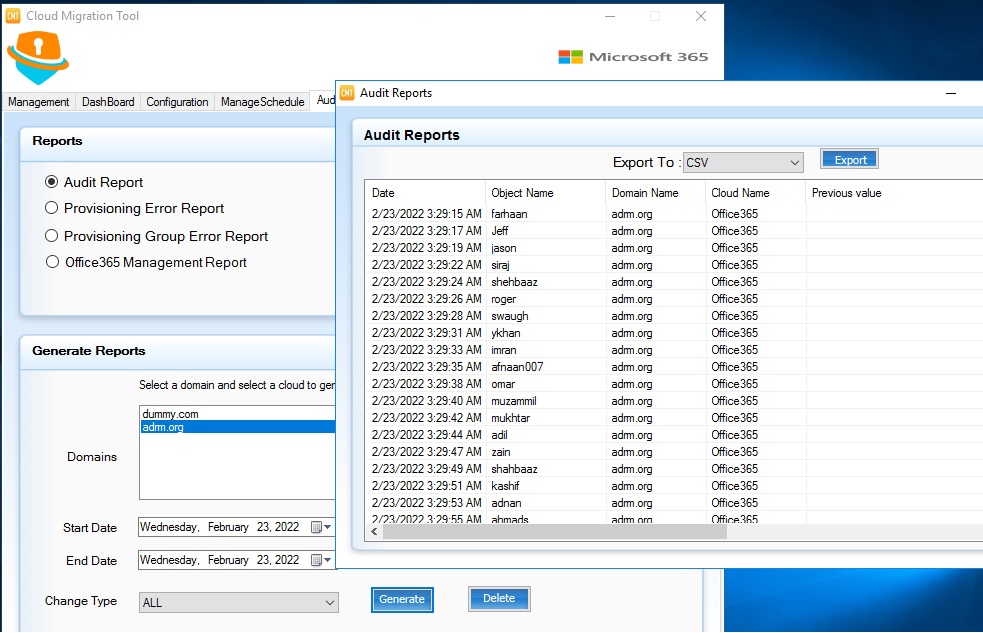
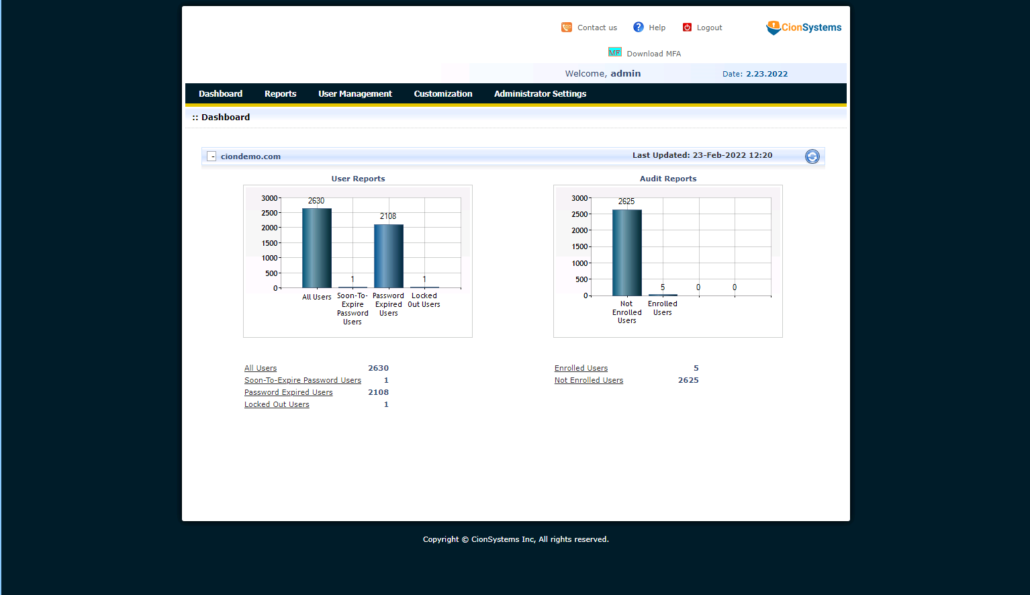
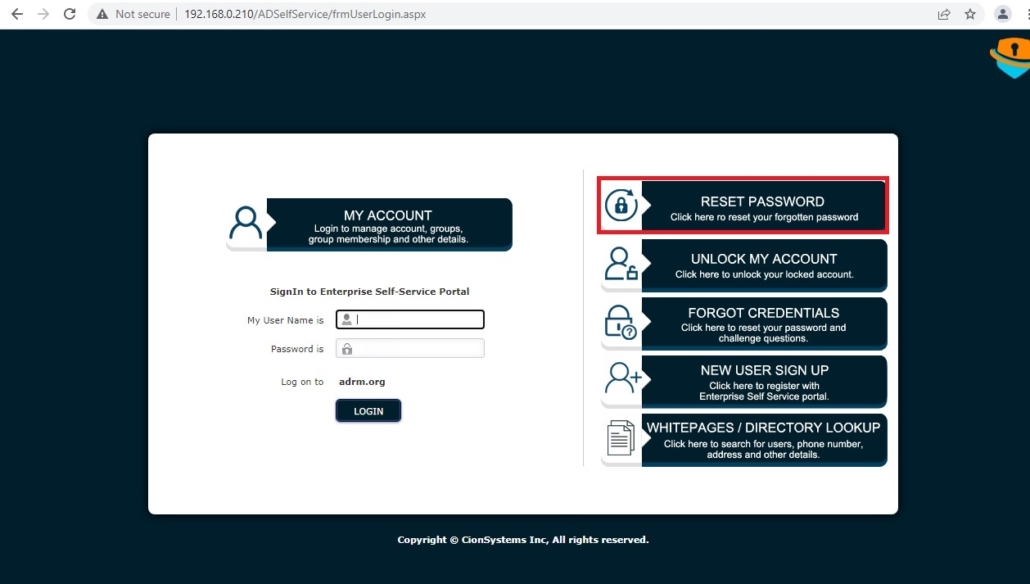
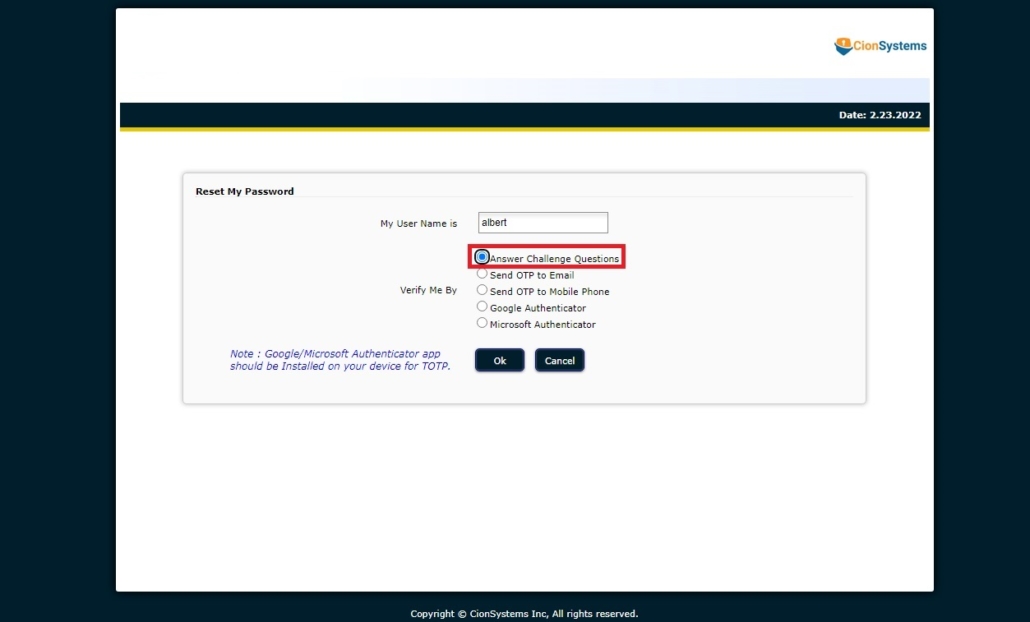
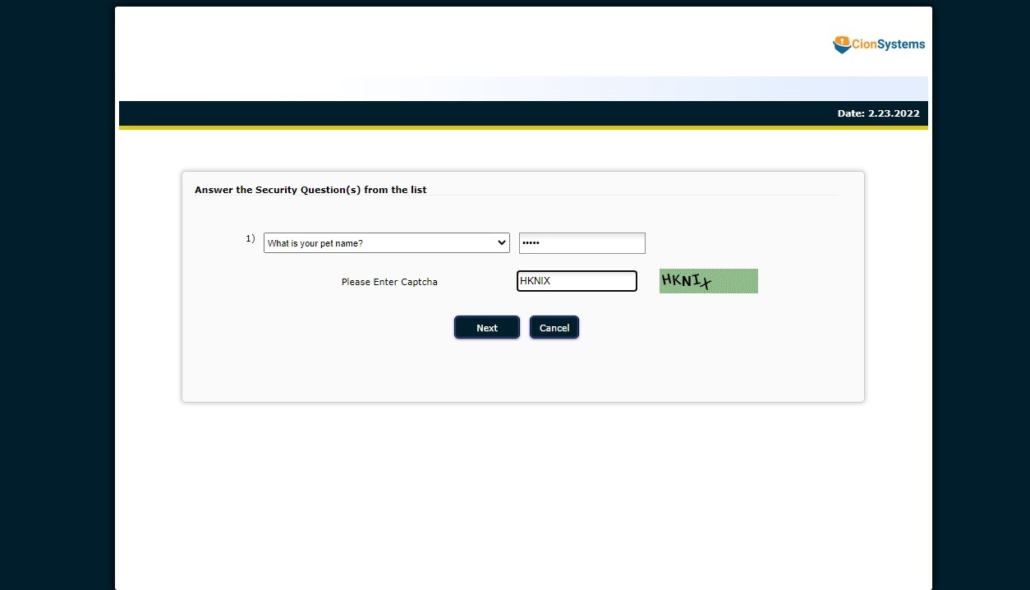
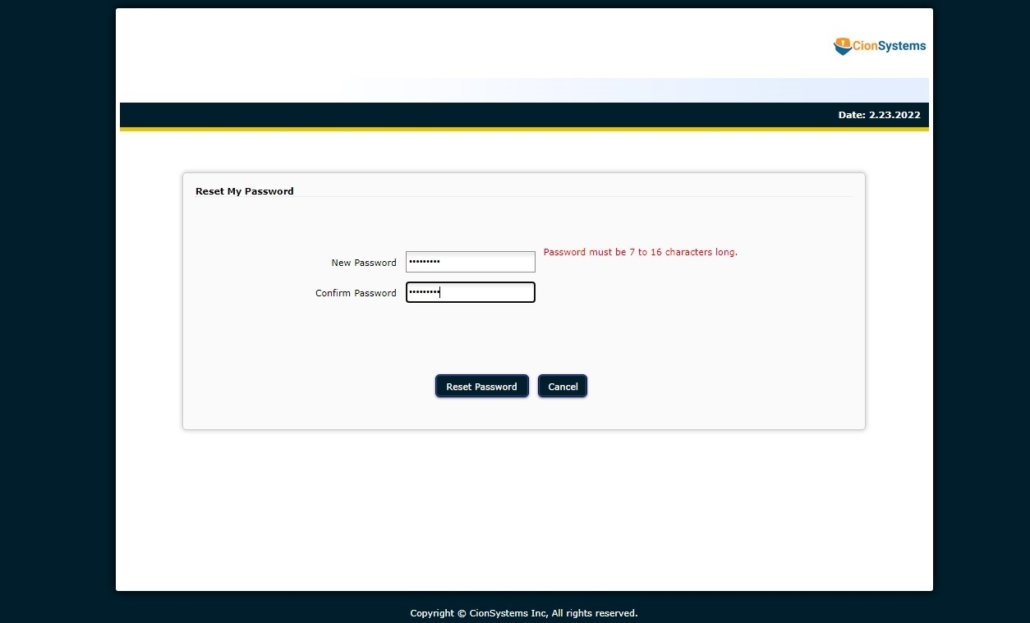
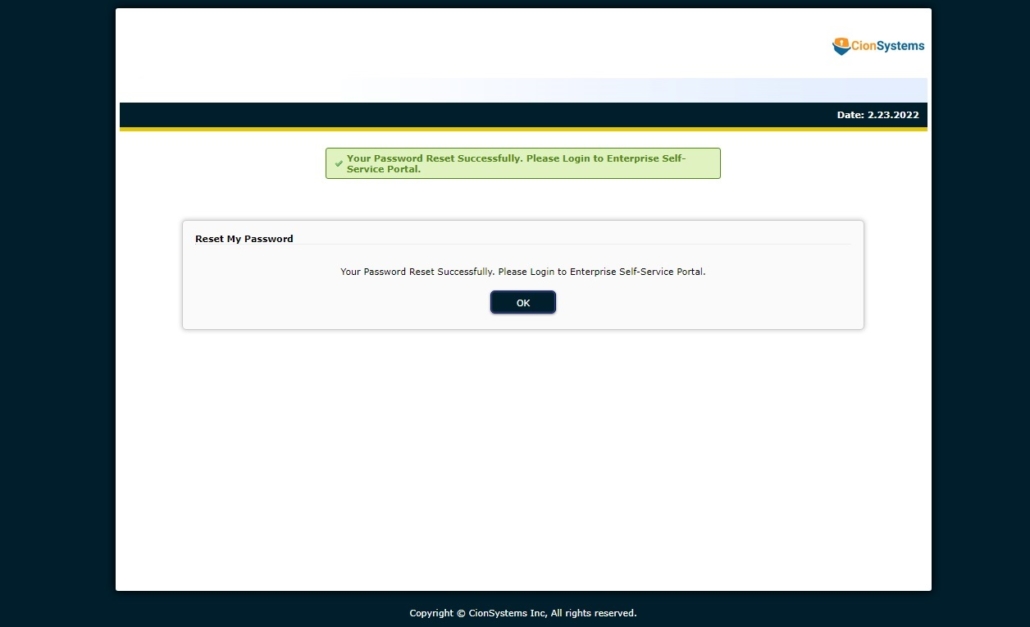
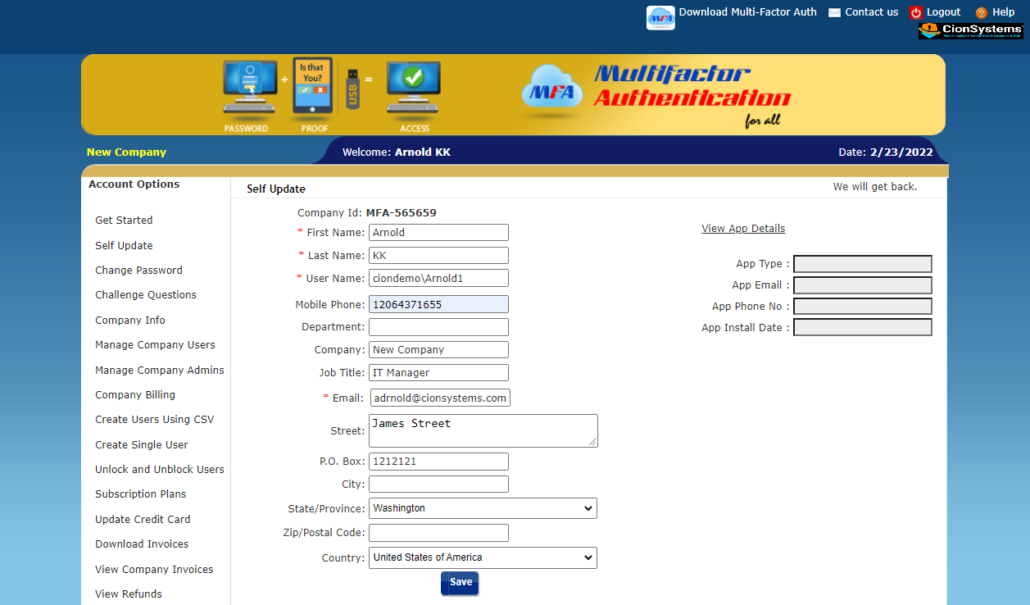
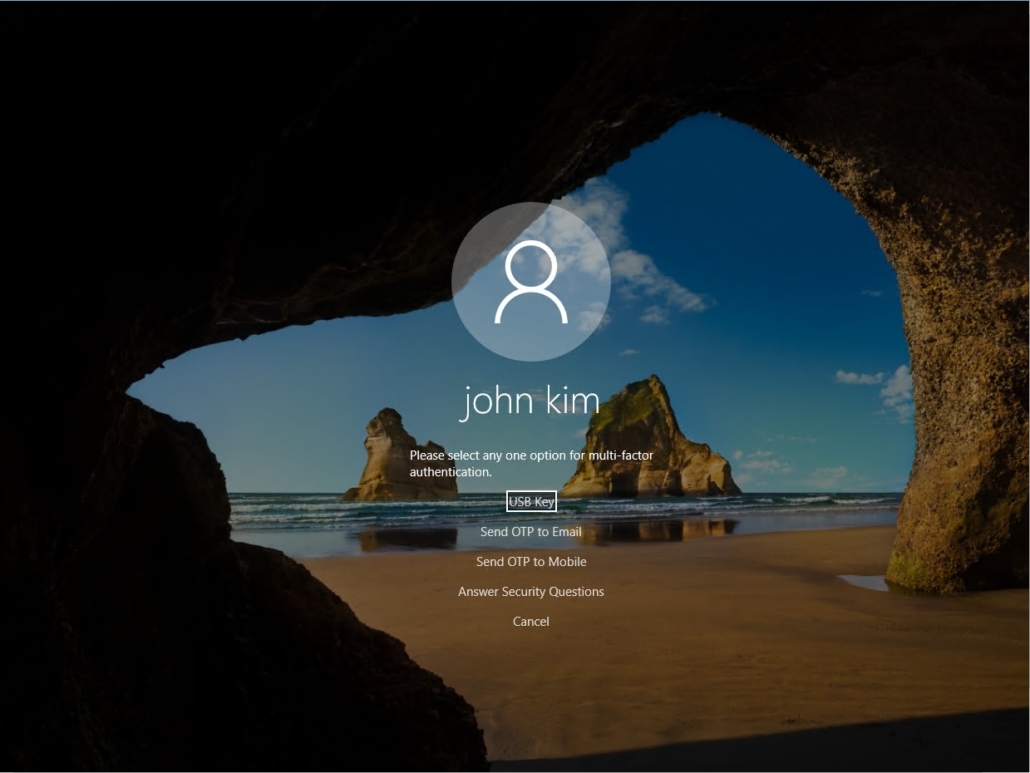
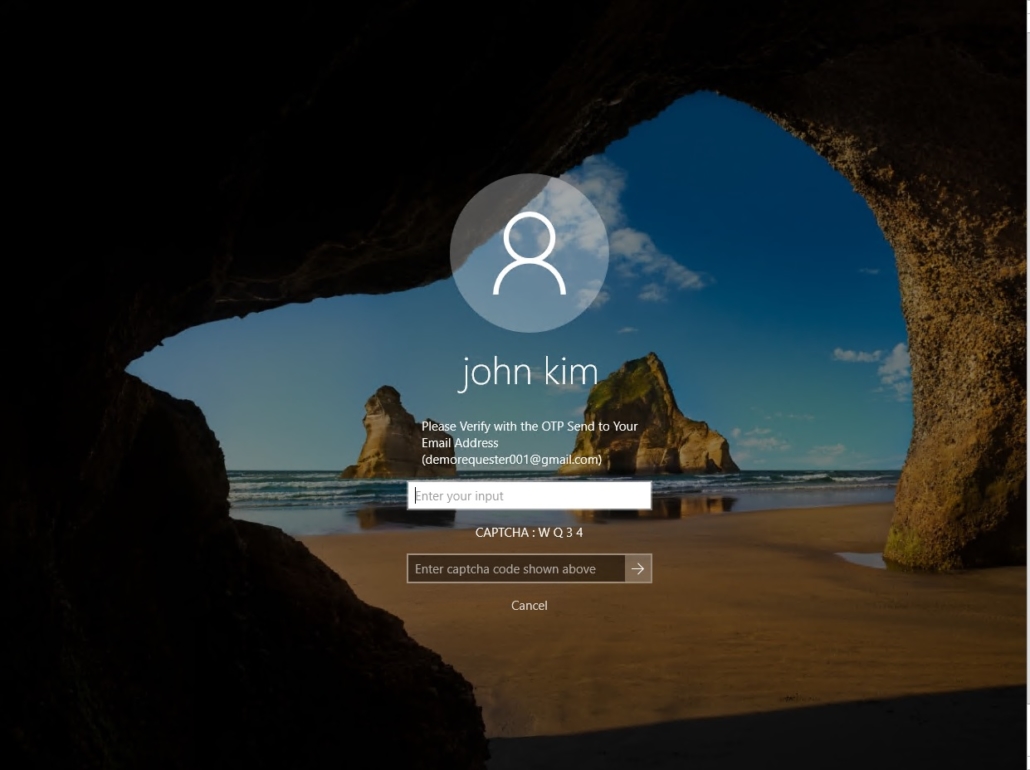
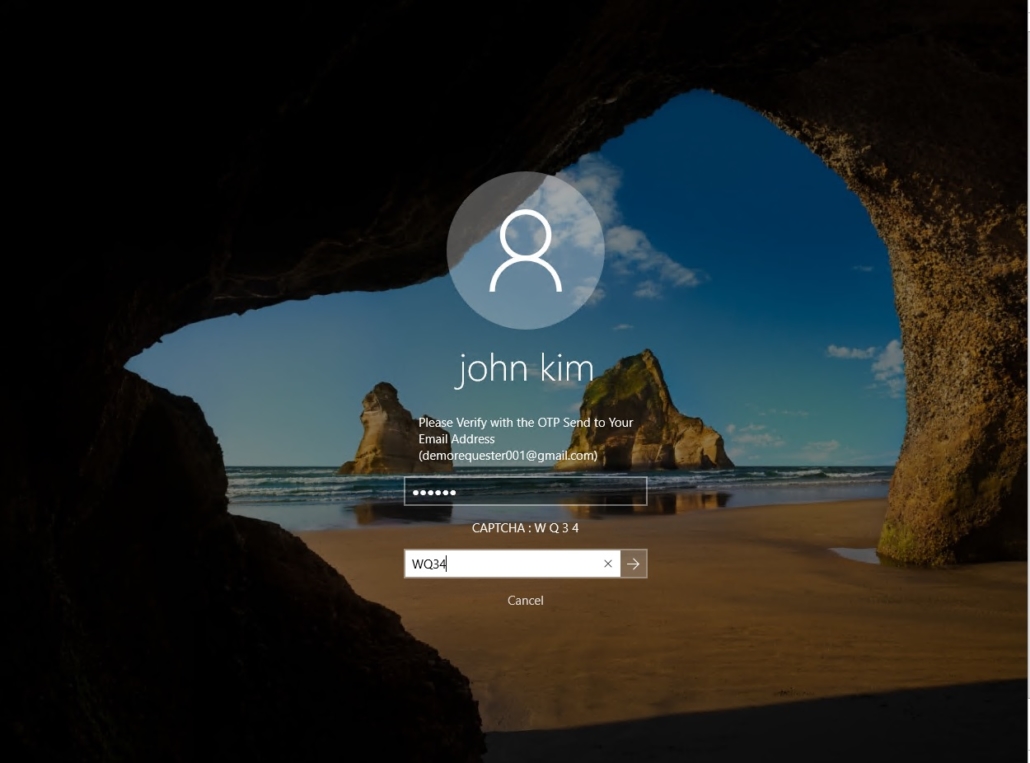

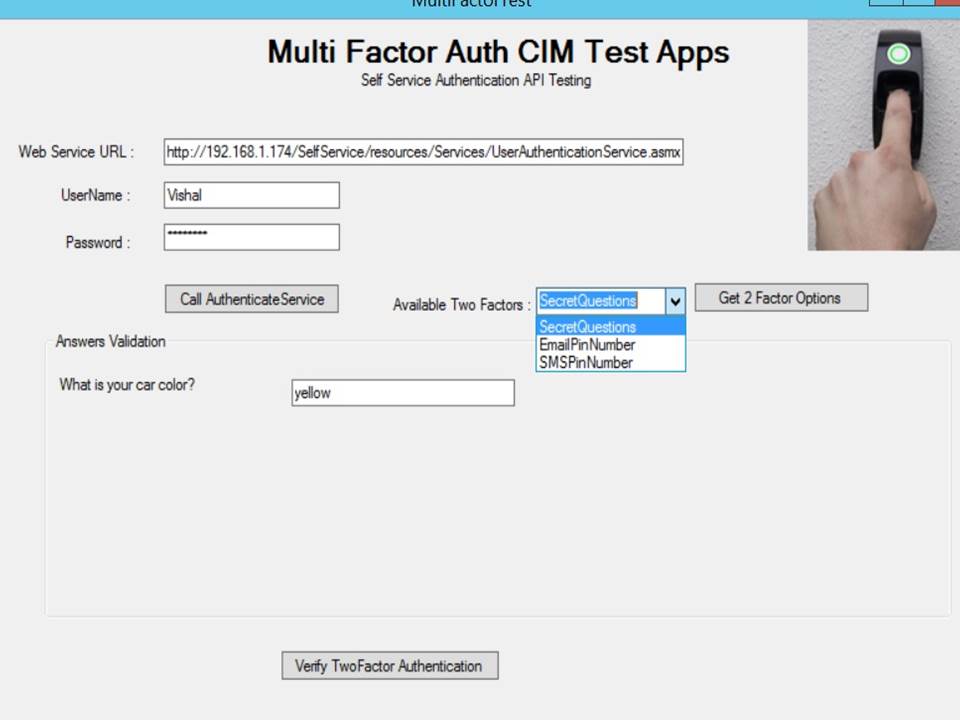
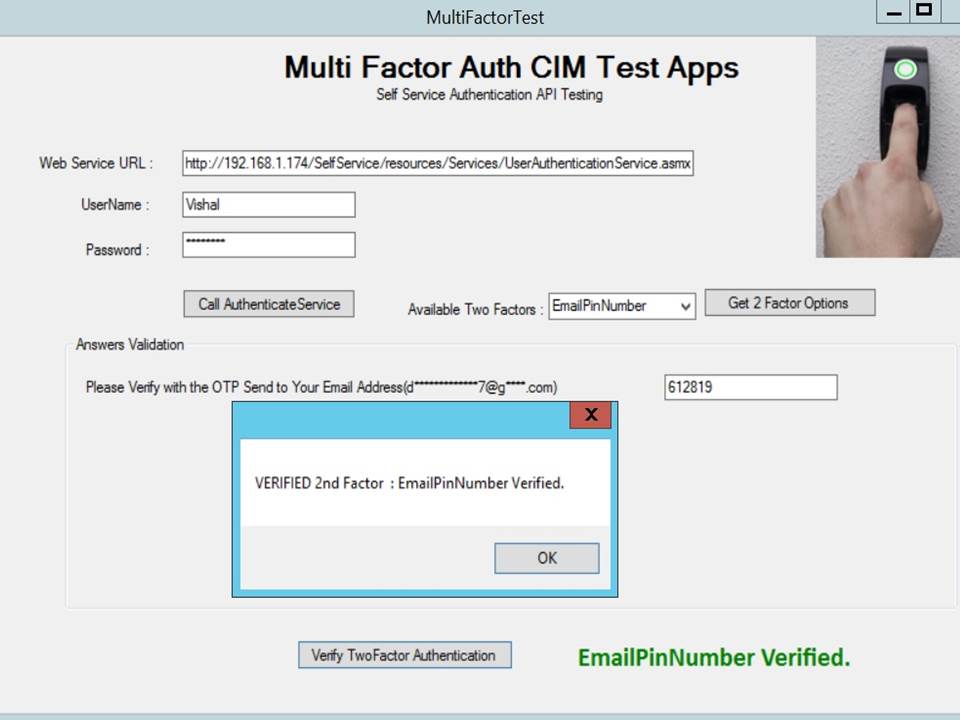
AD Guardian Cloud is a complete suite for increasing productivity, security, and compliance while simplifying the management and synchronization of onpremise AD, Microsoft Office 365 Cloud, OpenLDAP, and Azure AD with Directory Synchronization.
Simplifies Office365, OpenLDAP and Azure AD.
Do it all in the fastest, easiest, most efficient, and secure way with AD Guardian Cloud
FAQ’s
What is AD Guardian Cloud for Office 365?
AD Guardian Cloud enhances Office 365 and Entra ID security through identity auditing, monitoring, compliance and disaster protection and reporting.
Does it support hybrid Active Directory?
Yes, it supports both on-premises Active Directory and cloud-based Entra ID environments.
How does it improve Office 365 security?
It provides identity monitoring, security alerts, access reports, and auditing for Office 365 users.
Is AD Guardian Cloud useful for compliance?
Yes, it helps organizations meet compliance requirements with detailed audit and security reports.
Can it help prevent identity-based attacks?
Yes, it detects suspicious identity changes and reduces the risk of credential abuse.
What is Microsoft Active Directory (AD)?
Microsoft Active Directory (AD) is a centralized directory service that helps businesses manage users, computers, and other networked resources. It provides authentication and authorization services, ensuring that only authorized users can access company resources. Active Directory is widely used for user account management, security policies, and network administration in both on-premises and hybrid environments.
What is OpenLDAP and how is it different from Active Directory?
OpenLDAP (Lightweight Directory Access Protocol) is an open-source implementation of the LDAP protocol, commonly used for directory services. Unlike Microsoft Active Directory, which is a proprietary solution from Microsoft, OpenLDAP is platform-independent and more customizable. It is often used in environments where businesses need a flexible, open-source directory solution for managing users and resources across different systems, particularly in Linux and UNIX-based infrastructures.
Differences between Active Directory and OpenLDAP:
- Active Directory: Best for Windows-based environments and integrates seamlessly with Microsoft services like Exchange, SharePoint, and Office 365.
- OpenLDAP: Platform-independent, more flexible, but may require additional customization to integrate with other systems.
What is Azure Active Directory (AAD)?
Azure Active Directory (AAD) is a cloud-based identity and access management service from Microsoft. It provides authentication, single sign-on (SSO), and access management for applications and resources hosted on Microsoft Azure and other cloud services. Azure AD is the backbone for many cloud-based services such as Office 365, Microsoft Teams, and third-party applications that integrate with Microsoft’s cloud ecosystem.
What is Entra ID, and how does it relate to Azure AD?
Entra ID is part of Microsoft Entra, a comprehensive identity and access management suite that encompasses tools for securing identities, controlling access, and managing resources across hybrid and multi-cloud environments. Entra ID is essentially the new name for Azure AD and provides enhanced identity management capabilities for securing hybrid and multi-cloud environments.
- Entra ID: Secures users and devices across on-premises, cloud, and hybrid environments. It offers advanced security features such as conditional access and identity protection.
- Azure AD: The previous name for Entra ID, primarily focused on Azure cloud services but now integrated into the broader Entra suite.
How does CionSystems help businesses with Active Directory, OpenLDAP, and Azure AD integration?
CionSystems provides end-to-end solutions for businesses looking to integrate and secure their directory services. We offer:
- Seamless integration between Active Directory, OpenLDAP, and Azure AD to create a unified identity and access management environment.
- Hybrid identity management: Synchronize on-premises Active Directory with Azure AD for a unified cloud and on-prem experience, enabling hybrid environments.
- Cloud migration: Transition from on-premises systems like Active Directory and OpenLDAP to cloud-based solutions like Azure AD and Office 365.
- Cross-platform management: We help you manage identities across different platforms, from Windows Server Active Directory to Linux-based systems using OpenLDAP.
What is Office 365 Security, and how does it integrate with Active Directory?
Office 365 Security involves a set of tools and features designed to protect your organization’s data, applications, and users while they use Microsoft 365 services. It integrates directly with Active Directory (AD) and Azure AD to ensure that only authorized users can access your Office 365 applications and services, such as Outlook, SharePoint, and OneDrive.
Key features of Office 365 Security include:
- Conditional Access: Use policies to restrict access to Office 365 applications based on user identity, device health, location, and other factors.
- Multi-Factor Authentication (MFA): Enhance security by requiring additional verification methods (e.g., a text message or authentication app) when logging into Office 365.
- Data Loss Prevention (DLP): Prevent the accidental sharing of sensitive information across Office 365 applications like email and documents.
- Advanced Threat Protection (ATP): Protect against sophisticated attacks like phishing and malware using AI-driven tools.
CionSystems helps businesses configure and manage these security features by integrating Office 365 with Active Directory and Azure AD for streamlined authentication and secure access management.
How can Entra ID and Azure AD improve my organization’s security?
Entra ID (formerly Azure AD) offers several advanced security features that can help improve your organization’s overall security posture:
- Conditional Access Policies: Enforce strict access policies based on user roles, device health, location, and application sensitivity.
- Identity Protection: Detect and respond to risky user behaviors, such as unusual login locations or login attempts after an account is compromised.
- Self-service password reset: Reduce helpdesk calls by allowing users to reset their own passwords securely.
- Multi-Factor Authentication (MFA): Add an extra layer of security to ensure that only authorized users can access sensitive cloud resources.
- Risk-based Authentication: Automatically adjust security requirements based on risk levels, such as prompting for MFA only if the user’s login attempt seems suspicious.
CionSystems supports the implementation of these features and helps businesses integrate Entra ID and Azure AD into their existing security framework.
How do I secure my Office 365 environment with Active Directory and Azure AD?
To secure your Office 365 environment, CionSystems recommends the following steps:
- Sync your on-premises Active Directory with Azure AD: Ensure that users can access Office 365 using their corporate credentials, with single sign-on (SSO) and password synchronization.
- Enable Multi-Factor Authentication (MFA): Use MFA for Office 365 access to provide an additional layer of security for your users.
- Set up Conditional Access Policies: Use Azure AD conditional access to ensure that only trusted devices and users can access Office 365 resources.
- Use Advanced Threat Protection (ATP): Protect your organization from phishing and malware threats in emails and other Office 365 applications.
- Implement Data Loss Prevention (DLP): Prevent the accidental sharing of sensitive data within your Office 365 environment, including email attachments and documents.
- Monitor user activity: Use Azure AD and Microsoft 365 Compliance Center to track user activities and detect unusual behavior that might indicate a security threat.
CionSystems can help configure and optimize these security features, ensuring that your Office 365 environment is as secure as possible.
What is the benefit of using a hybrid identity management solution?
A hybrid identity management solution integrates both on-premises and cloud-based directory services, such as Active Directory and Azure AD, to create a unified identity management framework. The benefits include:
- Seamless access: Users can access both on-premises and cloud resources with the same credentials, providing a consistent experience.
- Centralized control: IT administrators can manage user access and permissions across both on-premises and cloud environments from a single interface.
- Scalability: Easily scale your identity infrastructure as your business grows, adding cloud resources or expanding on-prem systems as needed.
- Security: Protect sensitive data with security policies that apply across both on-premises and cloud environments, including multi-factor authentication and conditional access.
CionSystems can help you implement a hybrid identity solution that integrates Active Directory, OpenLDAP, Azure AD, and other directory services to streamline management and security.
How can I get started with CionSystems’ Cloud & Office 365 Security services?
Getting started with CionSystems’ Cloud & Office 365 Security services is simple:
- Contact us: Reach out to our team to schedule a consultation and discuss your directory management and security needs.
- Assessment: We’ll assess your current environment, including Active Directory, Azure AD, OpenLDAP, and Office 365 security configurations.
- Implementation: Our experts will help integrate, secure, and optimize your directory services and Office 365 environment.
- Ongoing support: CionSystems provides continuous monitoring, updates, and support to ensure your identity management solutions remain secure and compliant.
For more information or to schedule a demo, visit CionSystems Cloud & Office 365.
How can I contact CionSystems for more information on CionSystems’ Cloud & Office 365 Security services?
For more information or to schedule a demo, you can contact CionSystems through:
- Phone: 425-605-5325
- Email: info@cionsystems.com
- Demo: https://cionsystems.com/register/
- Contact Form: Visit CionSystems Cloud & Office 365 and fill out the contact form for personalized assistance.
This product is the fastest, most efficient way to simplify management and synchronization of: