Over 80% of cybersecurity incidents start with compromised user credentials!
ADGuardian Is A Essential Suite For Managing All Things Identity Access And Authentication (IAM) For Enterprises


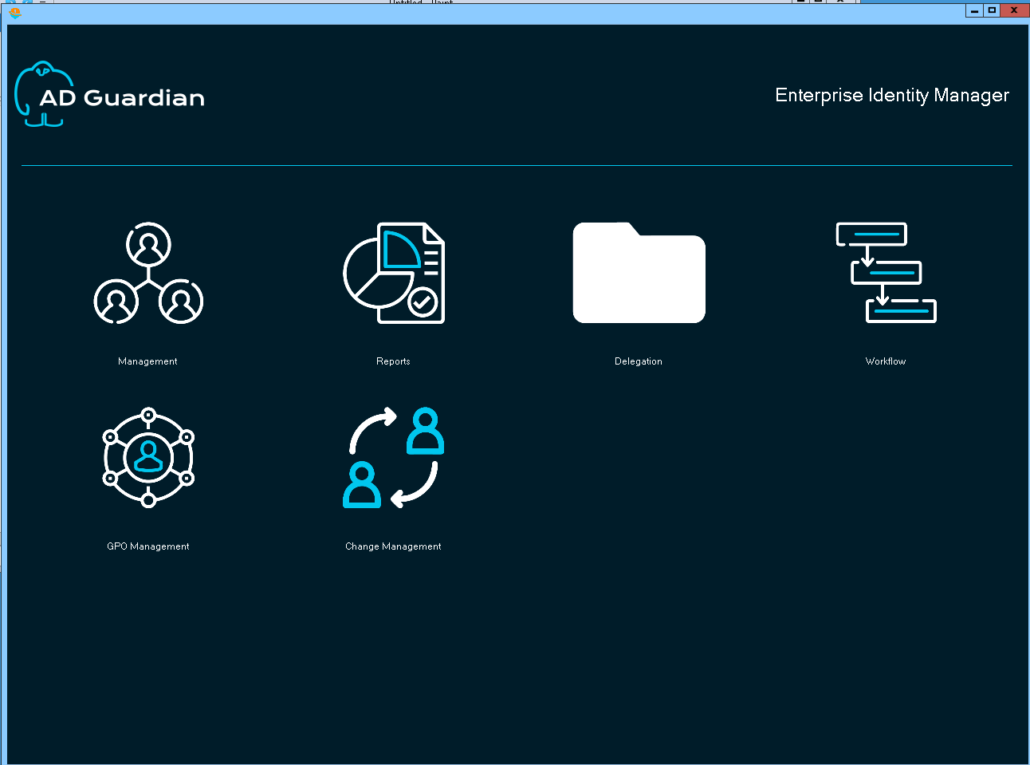
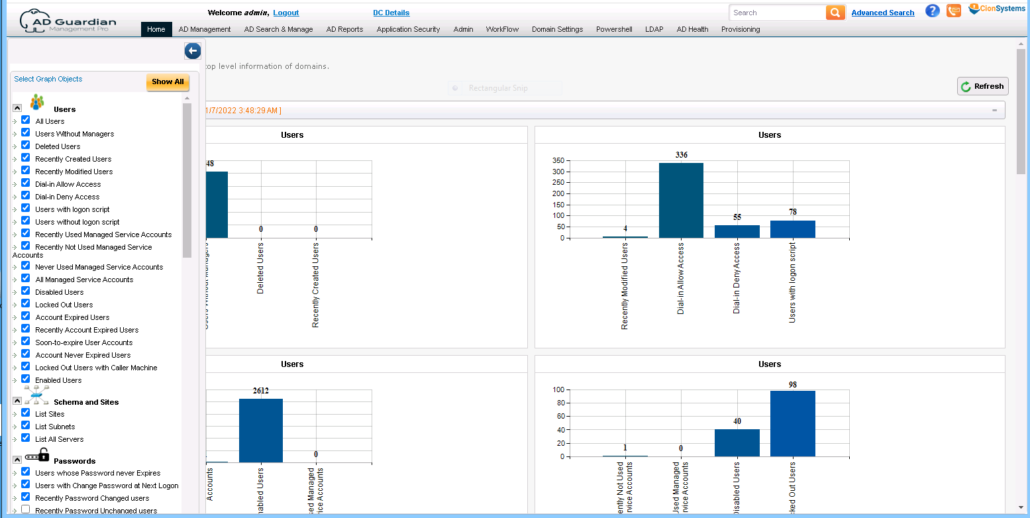
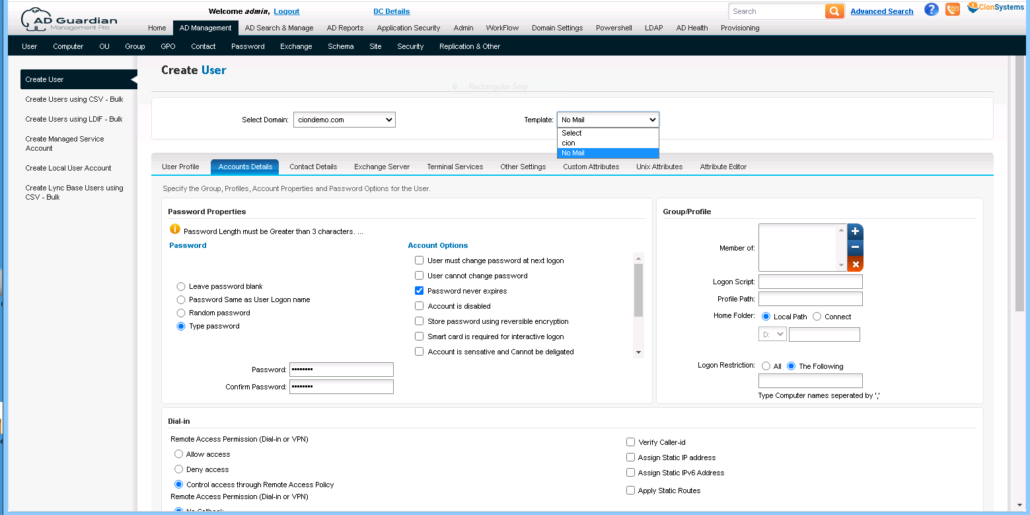
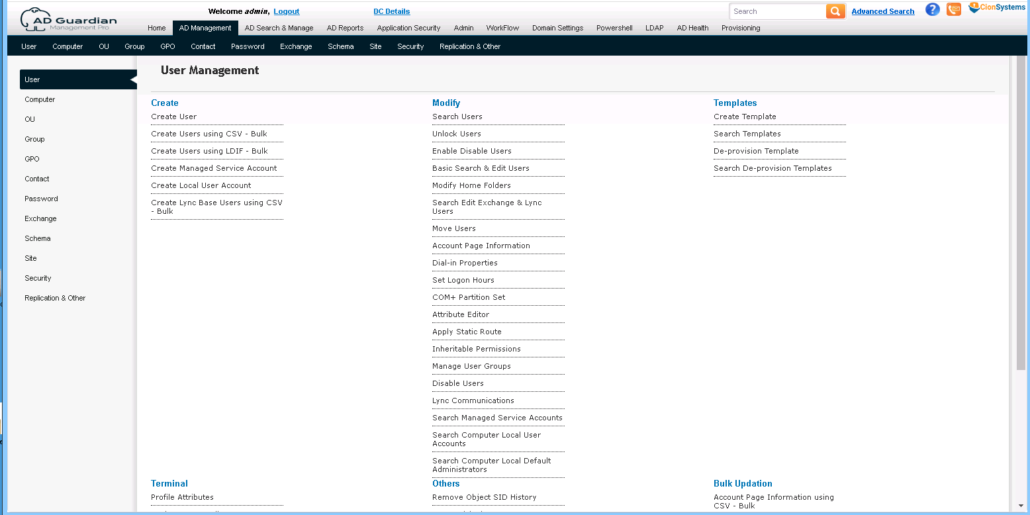
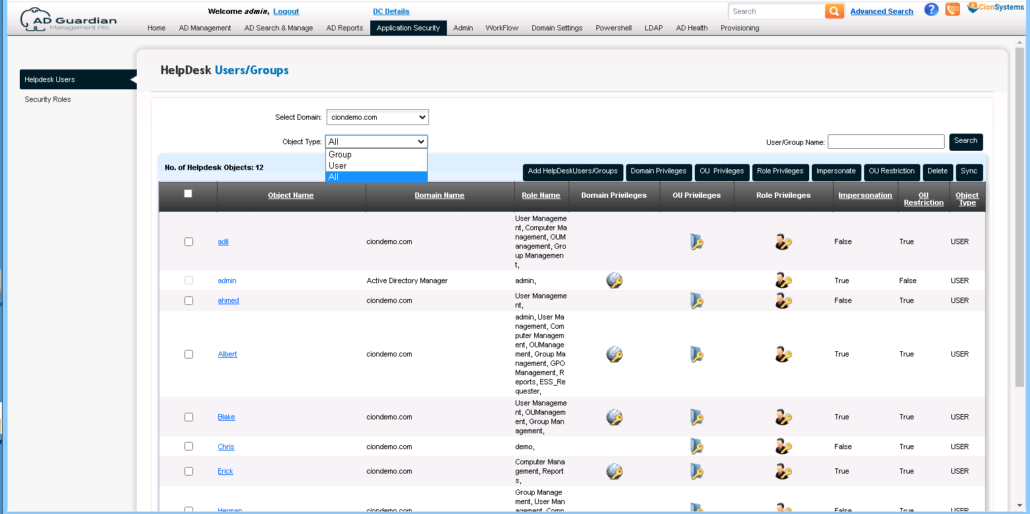
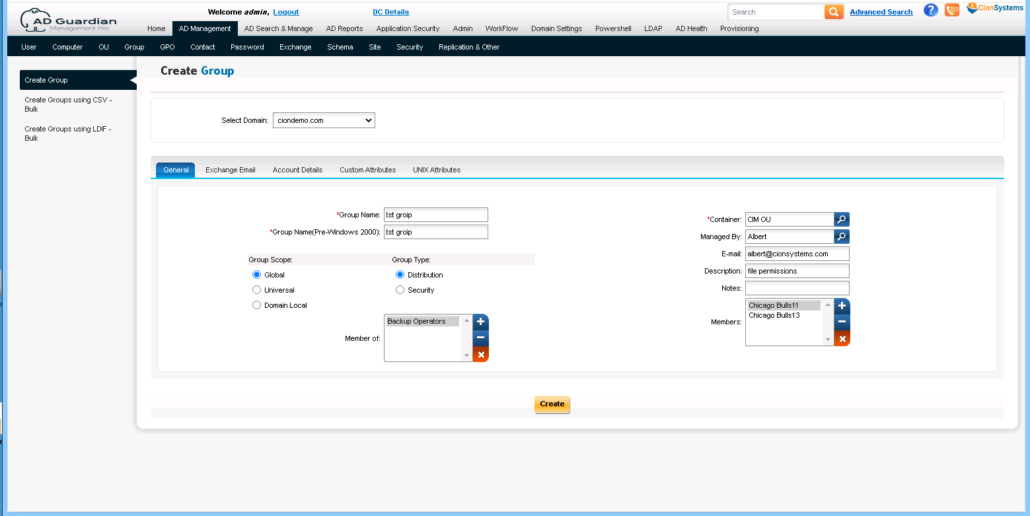
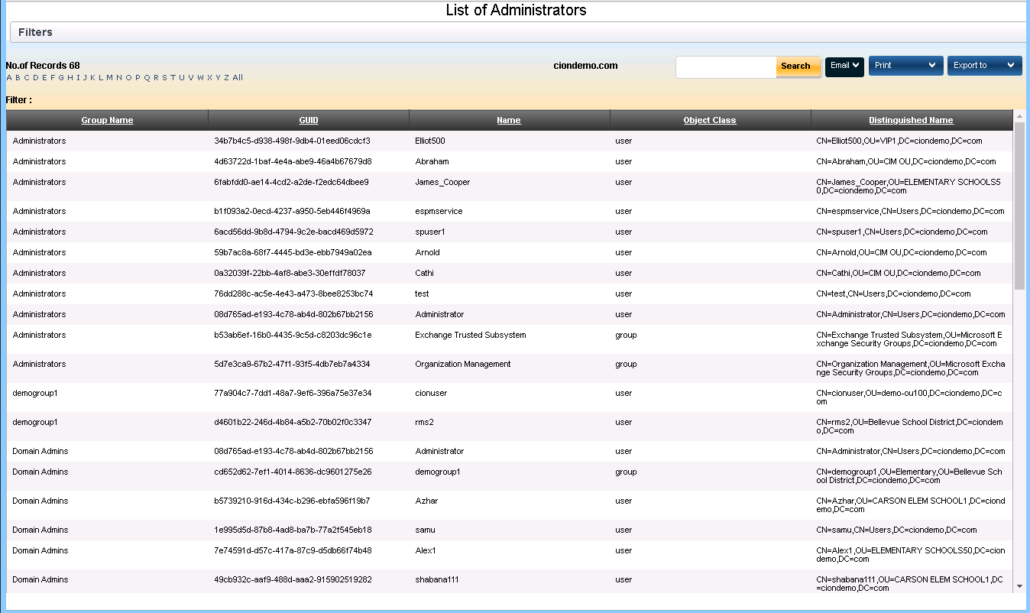
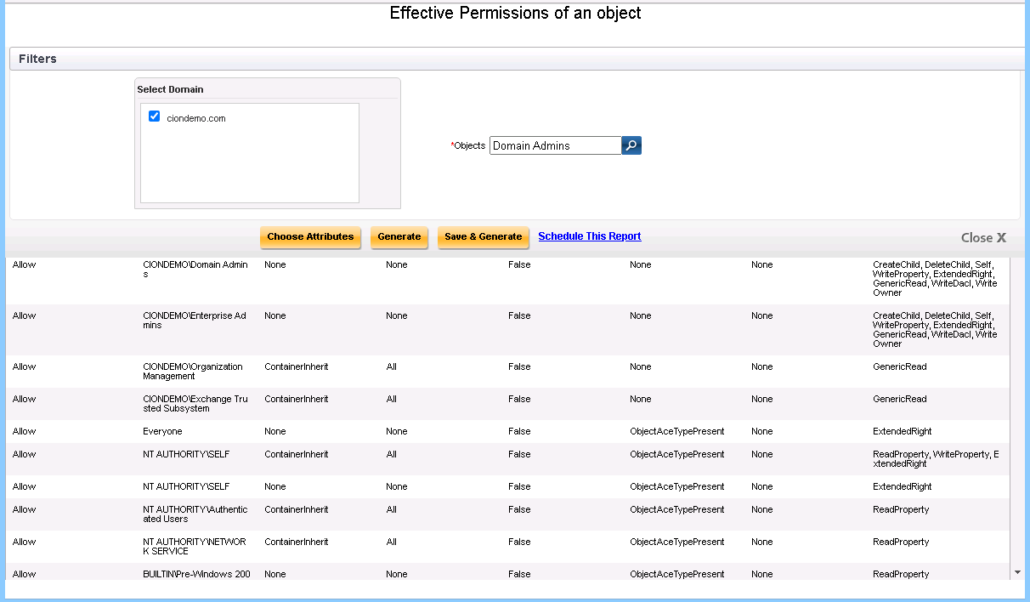
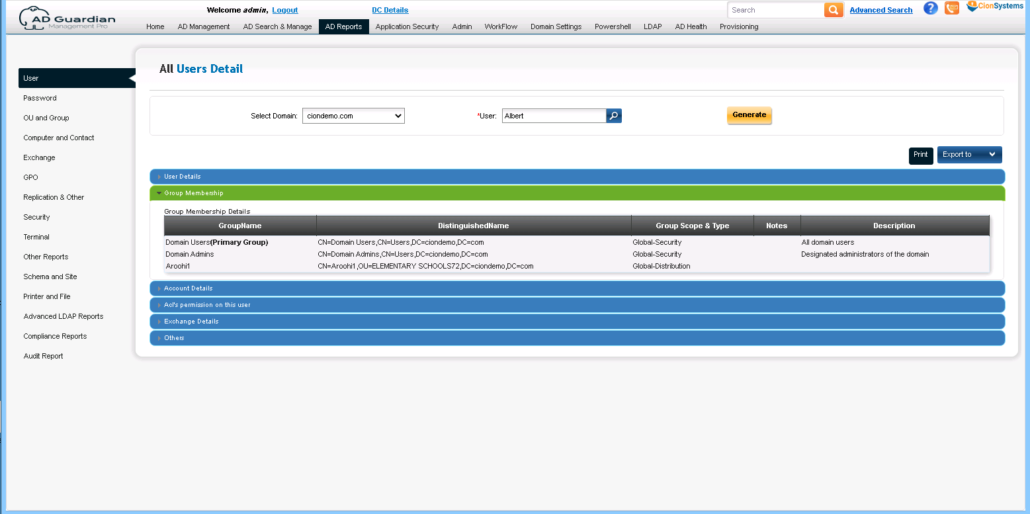
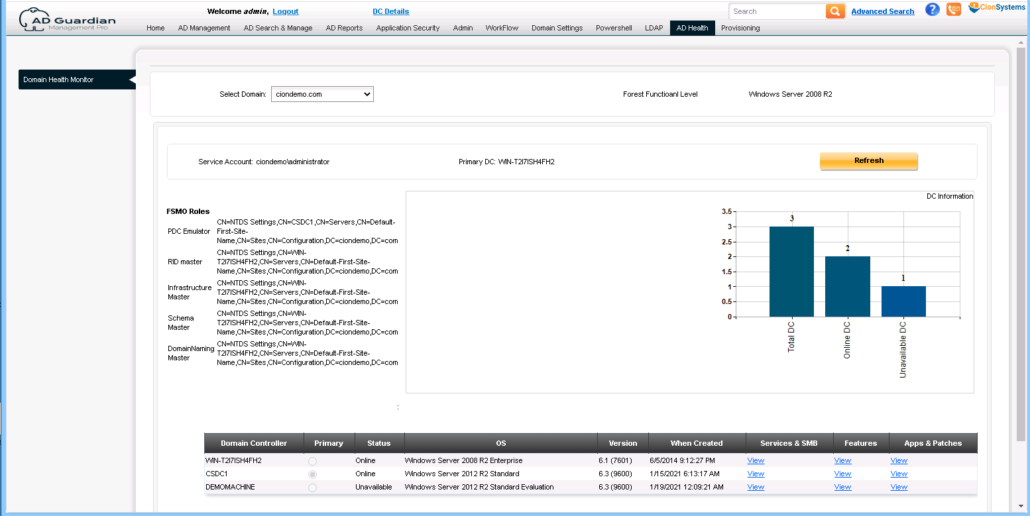
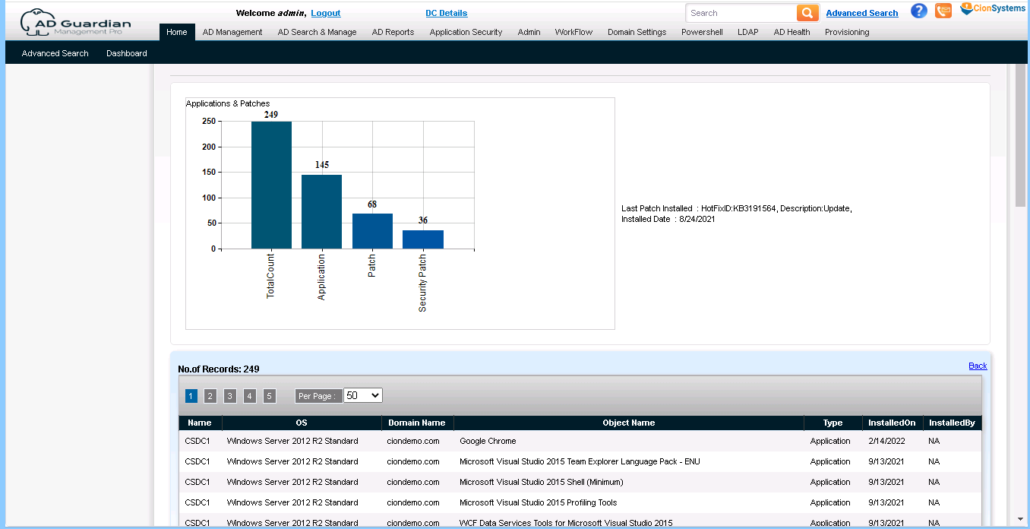
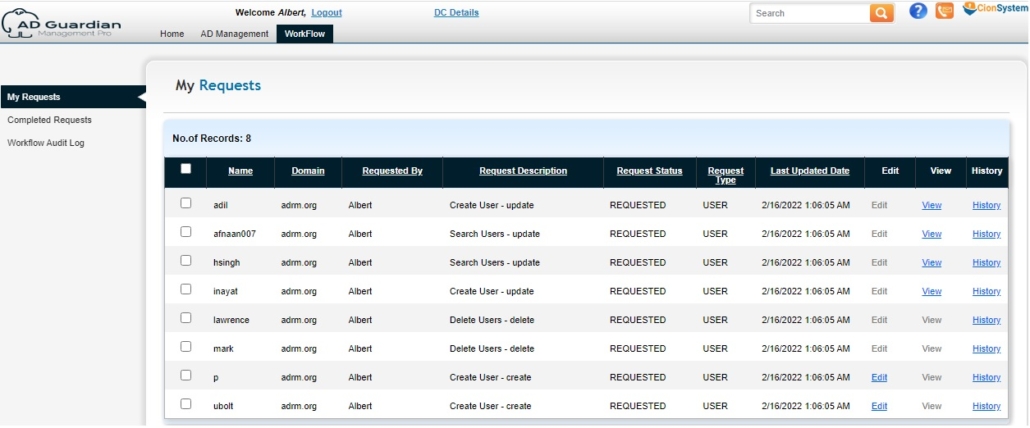
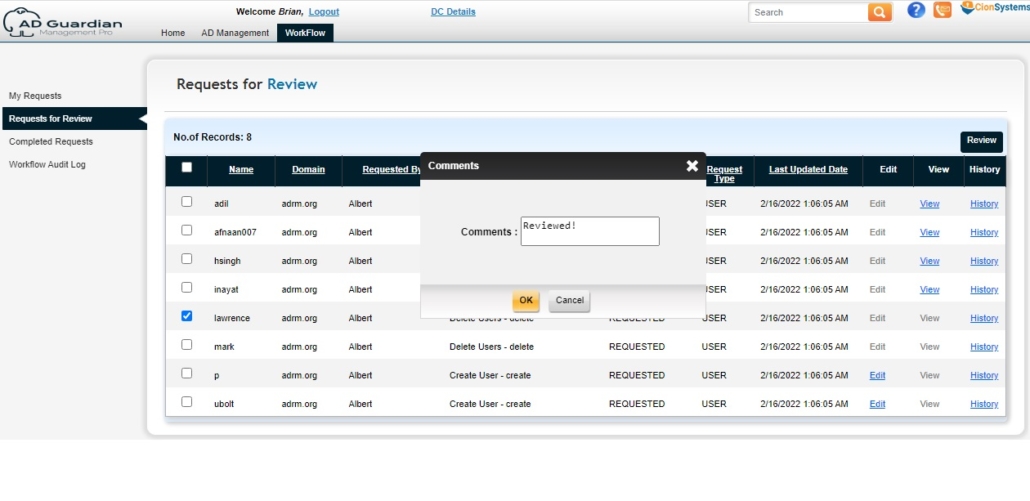
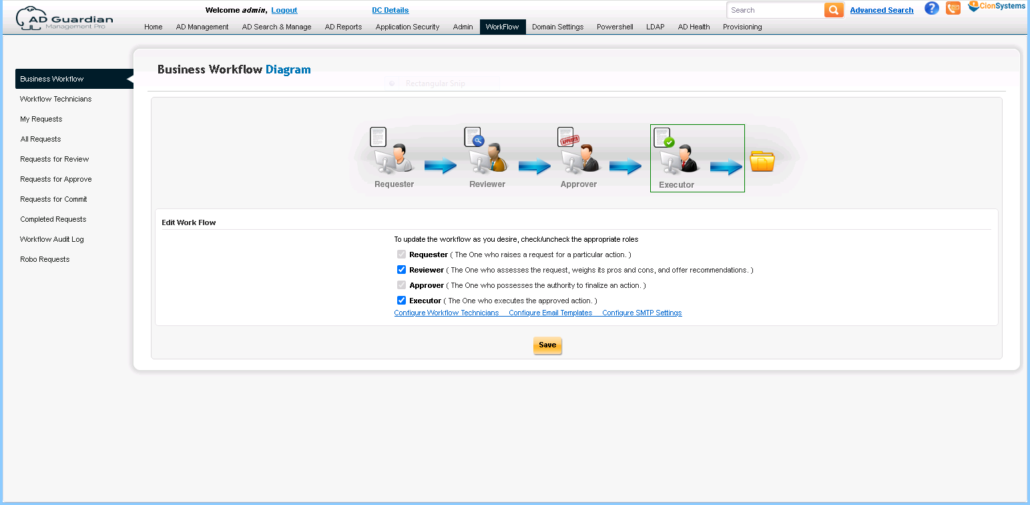
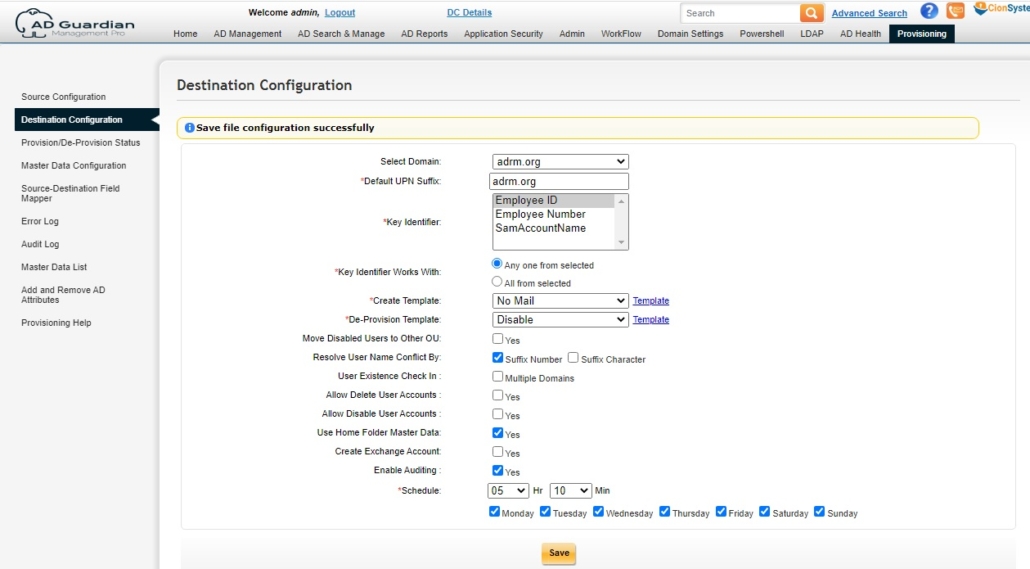
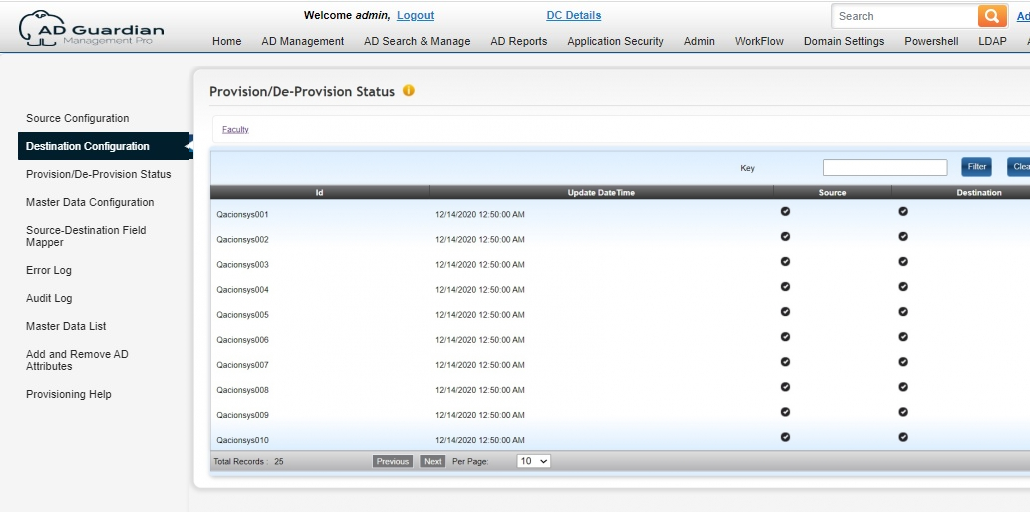
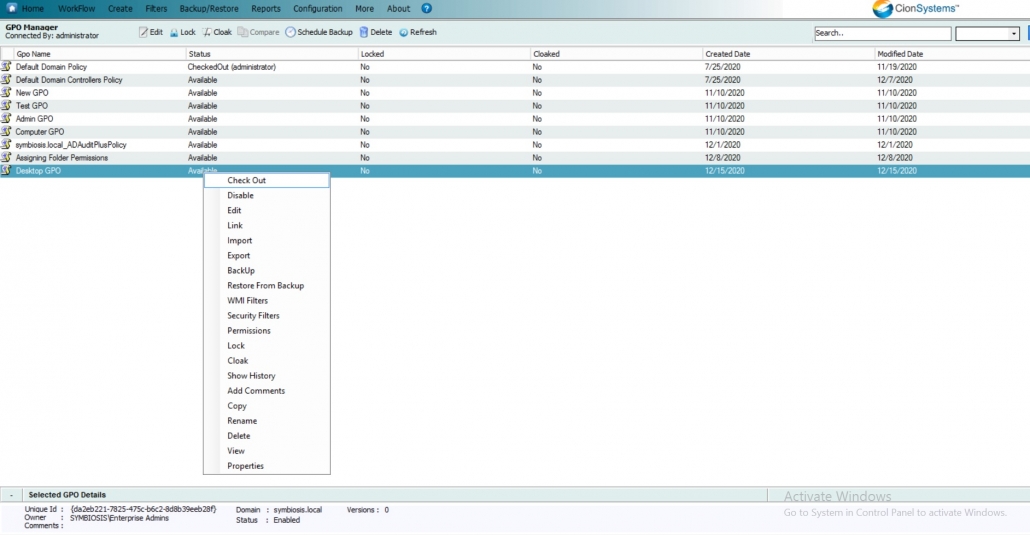
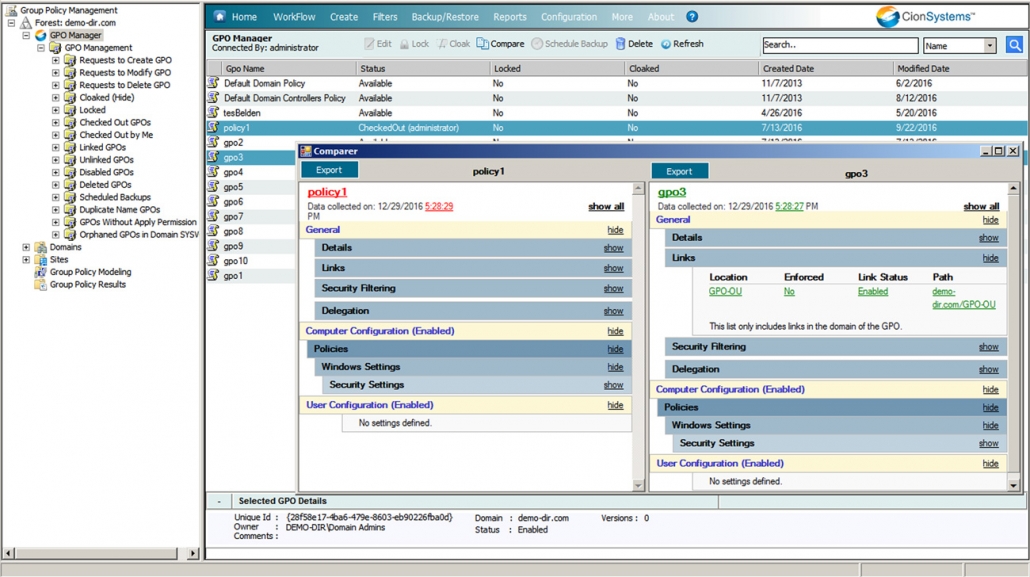
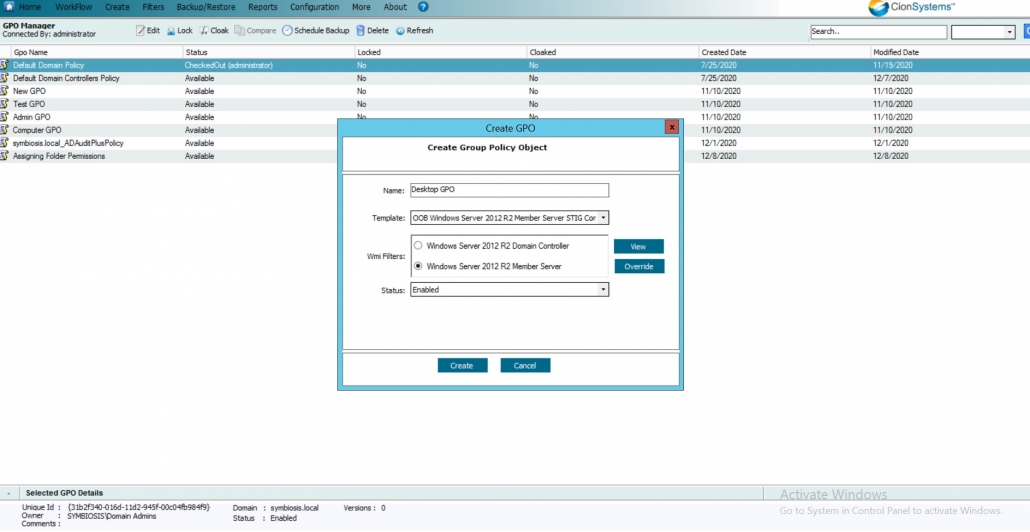
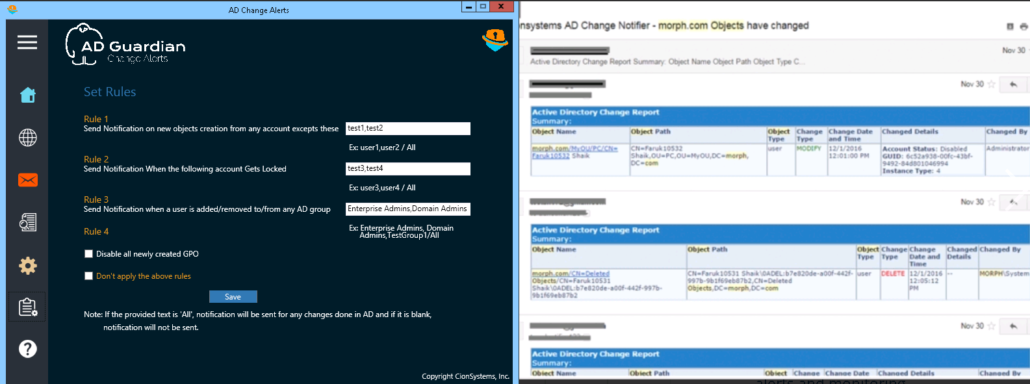
ADGuardian is the only firewall for Microsoft Active Directory. It enforces least permission model, reduces number of high privileged accounts, real time change alert and audit, roll back changes with a click of button, workflow, manage many domains from a single pane, Group Policy Objects (GPOs) end to end management, audit, GPO disaster protections, policy templates, versioning, comparisons and a deep insight into complex Active Directory (AD) Information.
Easily harden the most important part of your infrastructure and protect your enterprise from hacks, ID theft, loss of critical data, etc. One solution manages ALL enterprise AD Activities!
ADGuardian® enables organizations to:
- Prevent credential-based attacks by blocking known and compromised passwords
- Enforce just-in-time access, reducing excessive standing privileges
- Automate onboarding and de-boarding to eliminate orphaned or over-privileged accounts
- Maintain continuous auditing and reporting to support HIPAA and regulatory compliance
- Improve resilience through identity remediation, disaster protection, and GPO lifecycle management
- Deliver seamless identity governance across hybrid AD and cloud environments
By strengthening identity controls at the core, organizations can reduce breach likelihood and blast radius, while also improving uptime, compliance readiness, and IT efficiency.
Technical Demo: Scratch The Surface (Overview)
FAQ’s
What is ADGuardian | Enterprise Identity Manager?
ADGuardian | Enterprise Identity Manager is a security, access control and identity governance solution that helps organizations organize, manage, secure user identities, GPO’s, access rights, authentication and all things Active Directory across hybrid and cloud environments.
Who should use ADGuardian | Enterprise Identity Manager?
It is designed for enterprises, IT administrators, compliance and security teams that require centralized identity, access, gpo’s and anything related with identity monitoring and control.
Which platforms does it integrate with?
It integrates with Active Directory, Microsoft Entra ID, Office 365, and hybrid identity environments.
How does it enhance identity security?
It enforces access policies, GPOs, monitoring, provides audit logs, and prevents unauthorized access, changes to directory and privilege escalation.
Does it help with compliance?
Yes, it supports compliance audits through detailed reporting and access governance controls.
What is Microsoft Active Directory (AD)?
Microsoft Active Directory (AD) is a directory service developed by Microsoft to manage permissions and access to networked resources. It is widely used by businesses to organize and manage IT assets such as users, computers, and services within an enterprise network. AD provides a central point for managing authentication and authorization, simplifying administration and security.
What is AD Guardian?
AD Guardian is a comprehensive security and monitoring solution for Microsoft Active Directory environments. Developed by CionSystems, AD Guardian helps businesses safeguard their AD infrastructure by providing advanced monitoring, real-time alerts, access controls, and audit capabilities. It works in conjunction with Active Directory to enhance security and ensure compliance, preventing unauthorized access and potential vulnerabilities.
How does AD Guardian enhance Microsoft Active Directory security?
AD Guardian enhances the security of your Active Directory environment by:
- Real-time monitoring: Tracks and alerts on suspicious activity, such as unauthorized access attempts or unusual changes to user permissions.
- Advanced reporting: Provides detailed logs and audit trails for changes made within Active Directory, helping ensure compliance with security standards and regulations.
- Access control management: Helps define and enforce strict access policies, reducing the risk of privilege escalation or unauthorized access.
- Threat detection: Identifies potential security threats and vulnerabilities, including password brute-force attacks, privilege misuse, and account lockout
Automated alerts: Sends immediate alerts to administrators when any security incidents or critical changes are detected within the AD environment.
Why is Active Directory important for businesses?
Active Directory is essential for businesses because it centralizes user management, access control, and security. It provides:
- Centralized authentication: Users only need to log in once to access all networked resources, streamlining user access and improving productivity.
- Access control: Administrators can set granular permissions, ensuring that employees have access only to the resources they need.
- Scalability: Active Directory scales easily as your business grows, allowing you to manage a large number of users and devices without sacrificing security.
- Security: Active Directory plays a key role in maintaining secure access to network resources, ensuring that only authorized users can perform specific tasks.
How does AD Guardian help with Active Directory compliance?
AD Guardian helps businesses maintain compliance with industry regulations such as HIPAA, GDPR, and PCI DSS by:
- Providing audit logs: Detailed logs of all user activities, including access to sensitive data and changes to user roles, can be used for compliance audits.
- Enforcing access policies: Ensures that only authorized users can access sensitive data or perform critical tasks within Active Directory.
- Alerting administrators: Real-time alerts notify administrators when security policies are violated, helping mitigate risks and maintain compliance.
- Automated reporting: AD Guardian generates compliance-ready reports, saving time during audits and improving your organization’s ability to meet regulatory requirements.
What features does AD Guardian offer for monitoring Active Directory?
AD Guardian provides a wide range of features to monitor and secure your Active Directory environment, including:
- Real-time activity monitoring: Tracks login attempts, password changes, account modifications, and more.
- User behavior analytics (UBA): Identifies unusual user behavior that may indicate a security breach or internal threat.
- Change auditing: Logs and tracks changes made to AD objects, user groups, security policies, and more.
- Security alerts: Notifies admins of suspicious activity or potential security risks in real-time, such as privilege escalation or access violations.
- Role-based access control (RBAC): Enforces role-based access policies to limit who can make changes to your Active Directory environment.
- Granular reporting: Provides detailed reports on user activity, access patterns, and potential vulnerabilities, ensuring that your Active Directory is always secure and compliant.
Can AD Guardian help prevent unauthorized access to Active Directory?
Yes, AD Guardian helps prevent unauthorized access to your Active Directory environment by:
- Monitoring login attempts: Tracks failed login attempts, abnormal login patterns, and unauthorized access attempts.
- Alerting on privilege escalation: Immediately notifies administrators if a user’s privileges are escalated without proper authorization.
- Enforcing strong password policies: Helps enforce policies like password expiration, complexity requirements, and lockout policies to prevent brute-force attacks.
- Detecting abnormal user behavior: Identifies any deviations from standard user behavior that could indicate compromised accounts or malicious activity.
- Blocking suspicious activities: Automatically blocks access to accounts or systems when suspicious activity is detected, preventing further damage.
How does AD Guardian integrate with existing Active Directory environments?
AD Guardian integrates seamlessly with your existing Active Directory setup. It works as an additional layer of security and monitoring without requiring major changes to your existing infrastructure. Here’s how:
- Non-intrusive installation: AD Guardian can be installed without disrupting your current Active Directory operations.
- Customizable settings: It can be configured to meet the unique security needs of your organization, whether you’re in a small or enterprise-level environment.
- Centralized management: Through a single dashboard, administrators can monitor and control all aspects of Active Directory security, from user behavior to access policies.
- Support for hybrid environments: AD Guardian works with both on-premises and cloud-based Active Directory deployments, offering flexibility as your business evolves.
Is AD Guardian suitable for small businesses?
Yes, AD Guardian is designed to be scalable and user-friendly, making it an ideal solution for businesses of all sizes. For small businesses, AD Guardian provides essential security features at an affordable cost, enabling you to:
- Easily monitor AD activity without needing a large IT team.
- Ensure compliance with industry regulations by automating audit logging and reporting.
- Protect against unauthorized access with real-time alerts and monitoring, all within a simple, intuitive interface.
How do I get started with AD Guardian?
Getting started with AD Guardian is simple:
- Contact CionSystems: Reach out to our team to discuss your Active Directory security needs.
- Install AD Guardian: Our experts will assist you in setting up and integrating AD Guardian with your existing Active Directory infrastructure.
- Customize your settings: We’ll configure AD Guardian to align with your security policies, user roles, and compliance requirements.
- Monitor and optimize: Start monitoring, optimizing, and securing your Active Directory environment with real-time alerts, reports, and automated recommendations.
For a consultation or demo, visit www.cionsystems.com/ad-guardian.
How can I contact CionSystems for support with AD Guardian?
For any questions, support requests, or inquiries about AD Guardian, you can reach us through the following methods:
- Phone: 425-605-5325
- Email: info@cionsystems.com
- Demo: https://cionsystems.com/register/
- Contact Form: Visit cionsystems.com/ad-guardian and fill out the contact form for personalized assistance.