Over 80% of cybersecurity incidents start with compromised user credentials!
ADGuardian+ Is The Most Comprehensive Suite For Managing All Things Identity Access And Authentication (IAM) For Enterprises


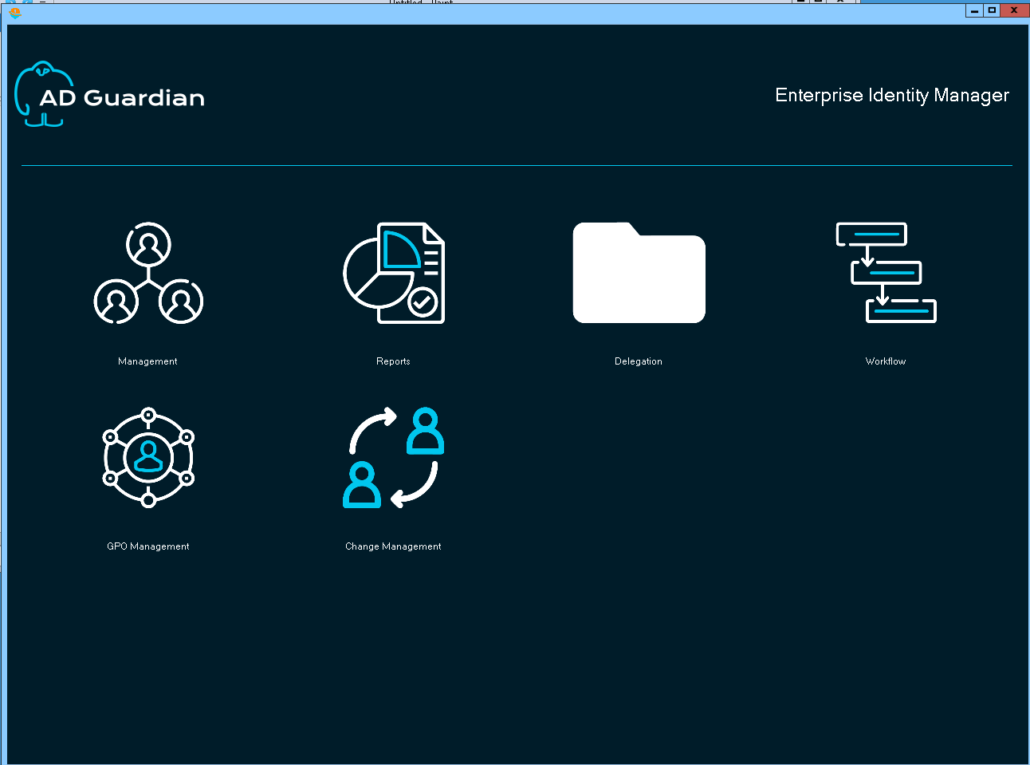
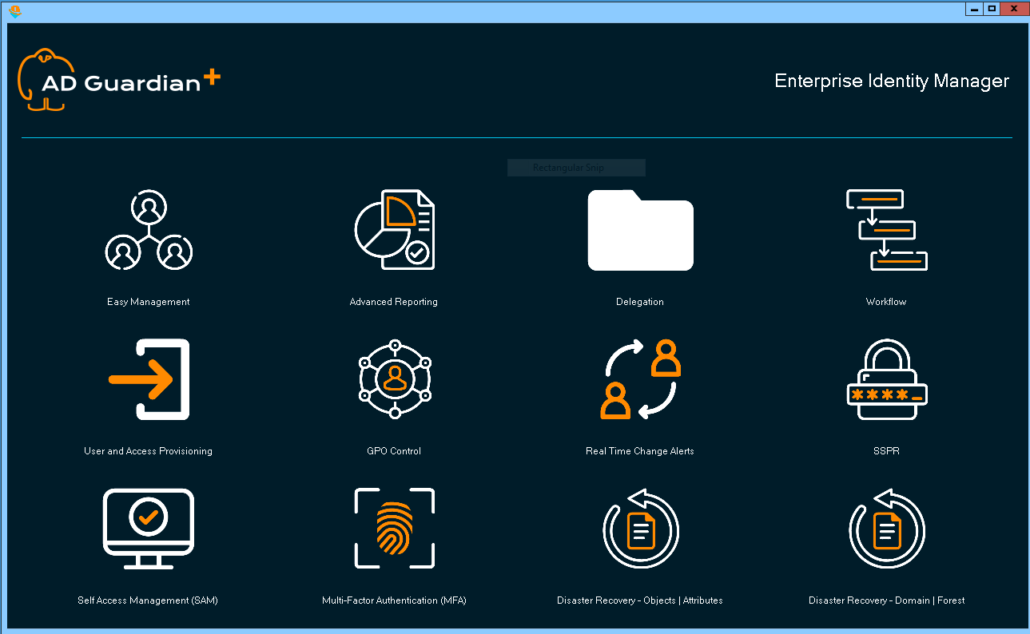
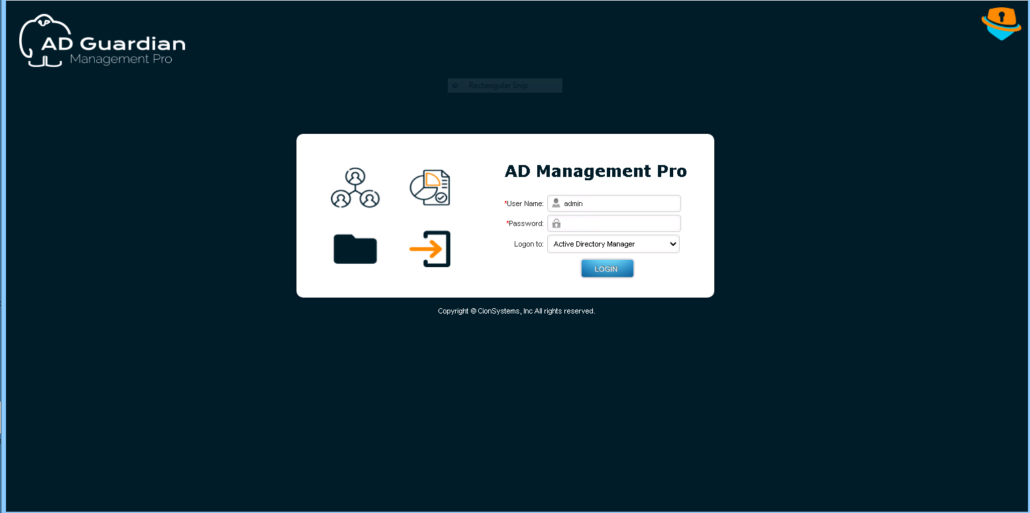
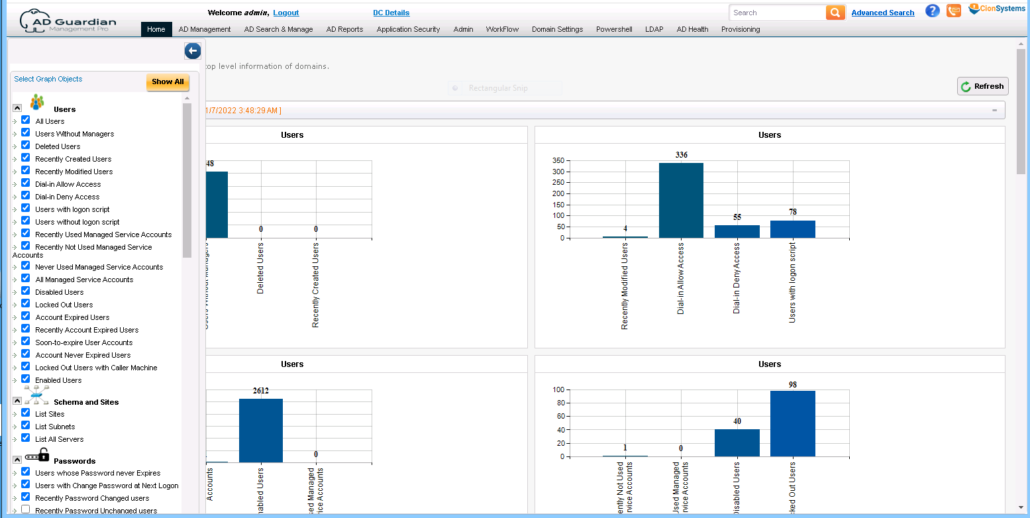
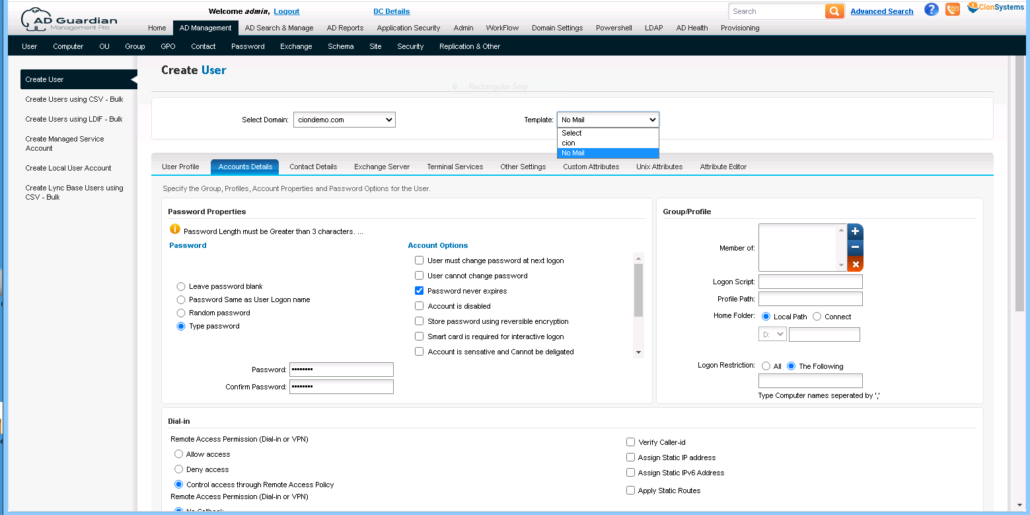
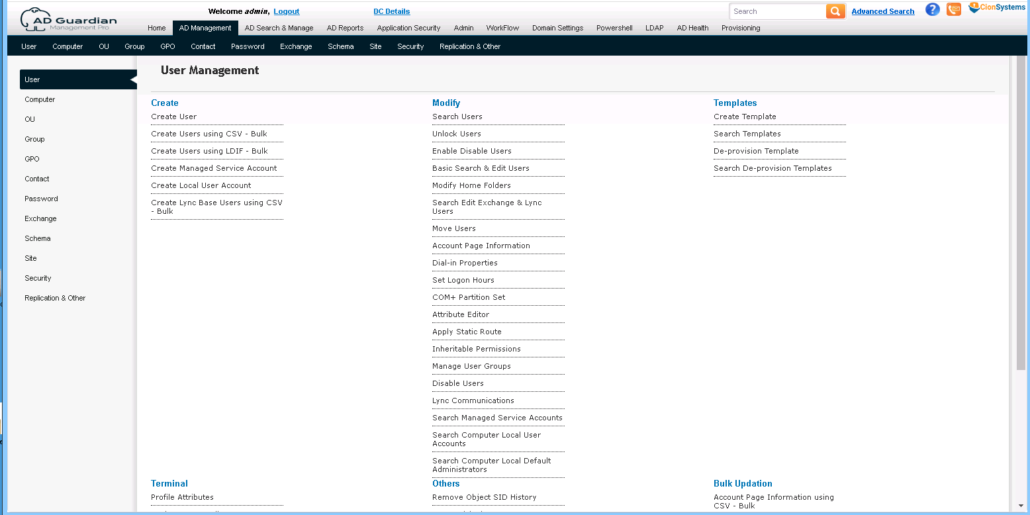
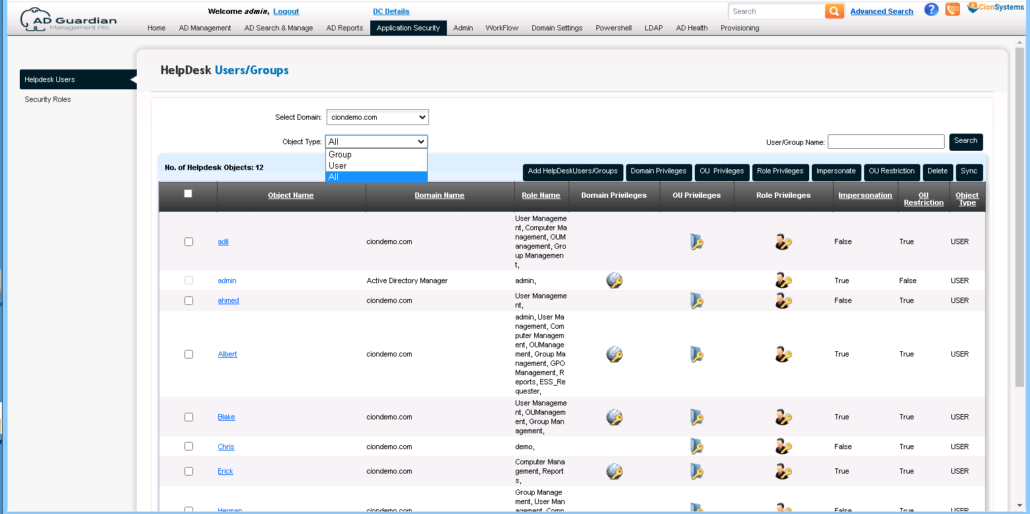
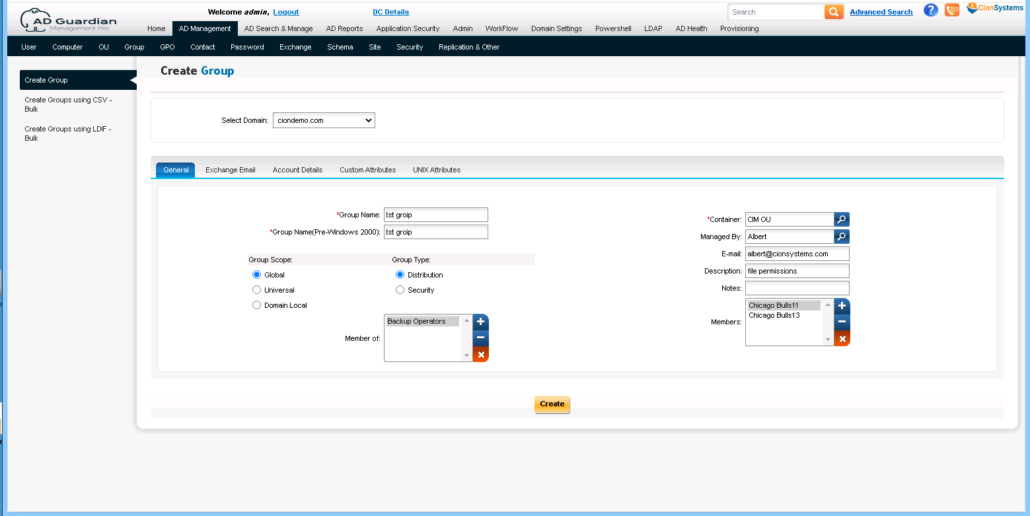
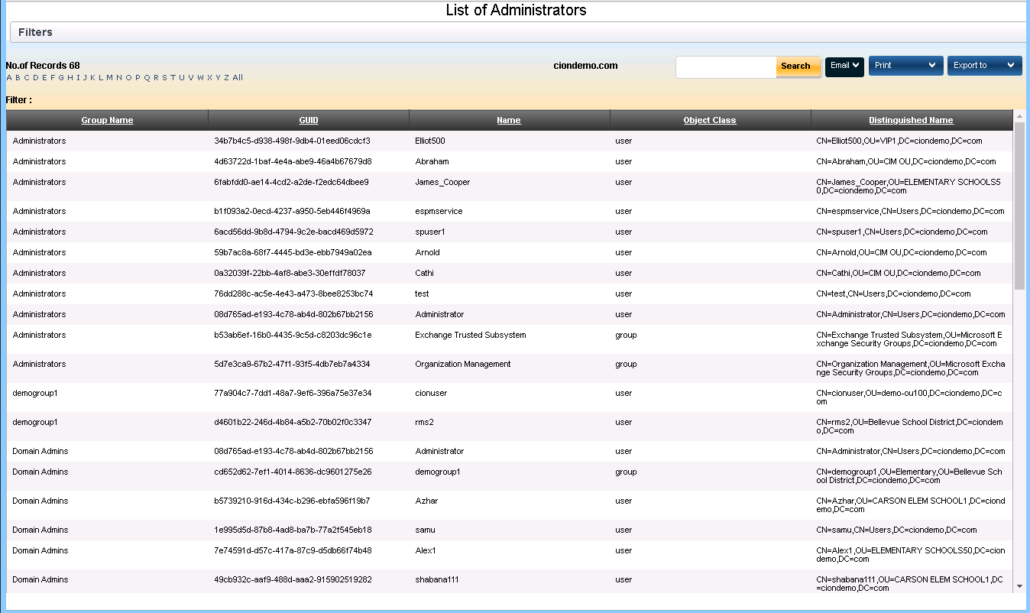
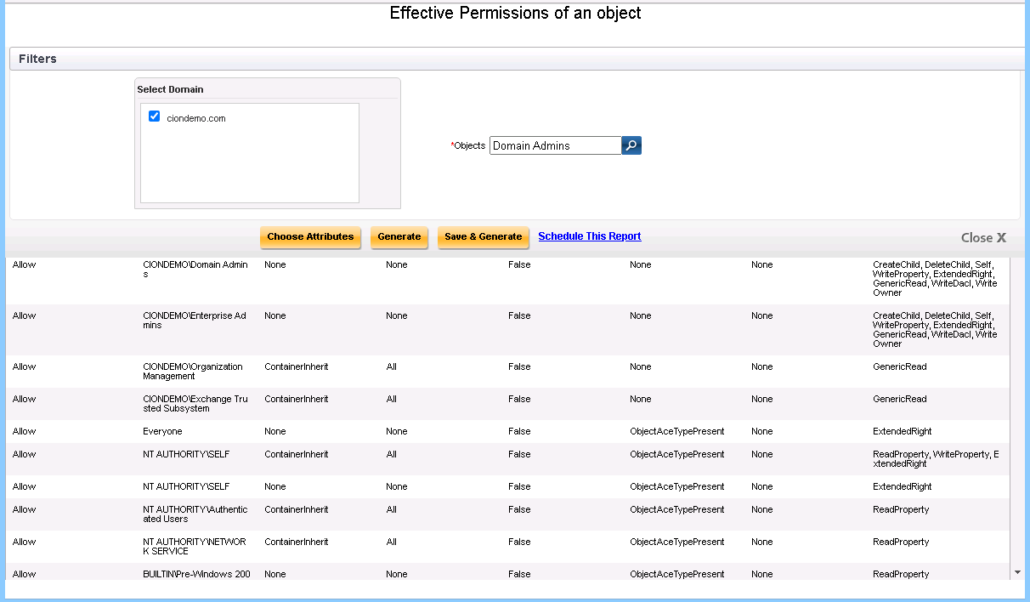
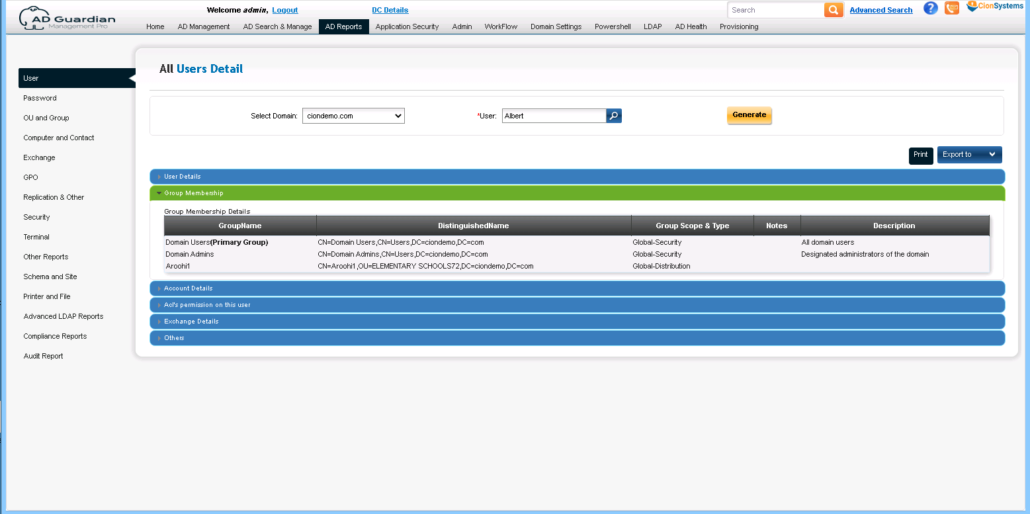
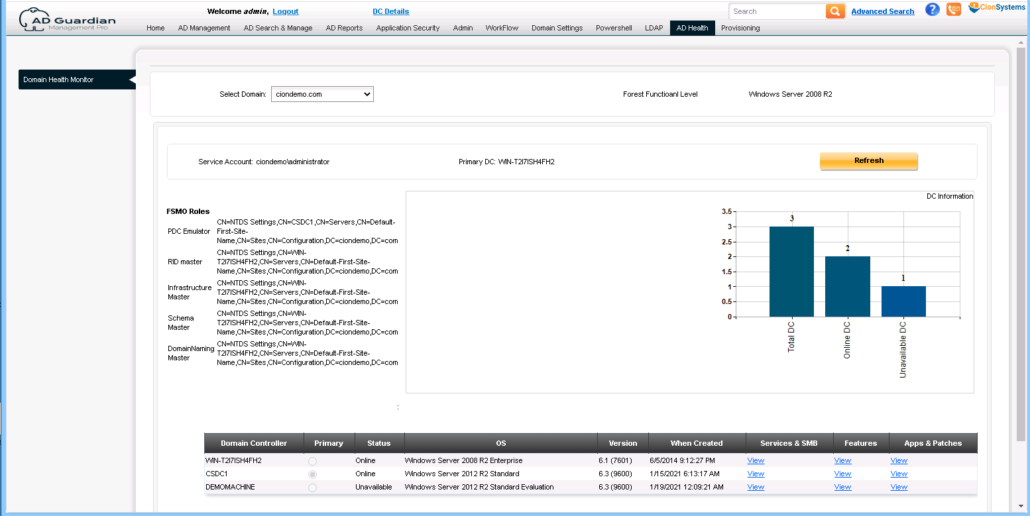
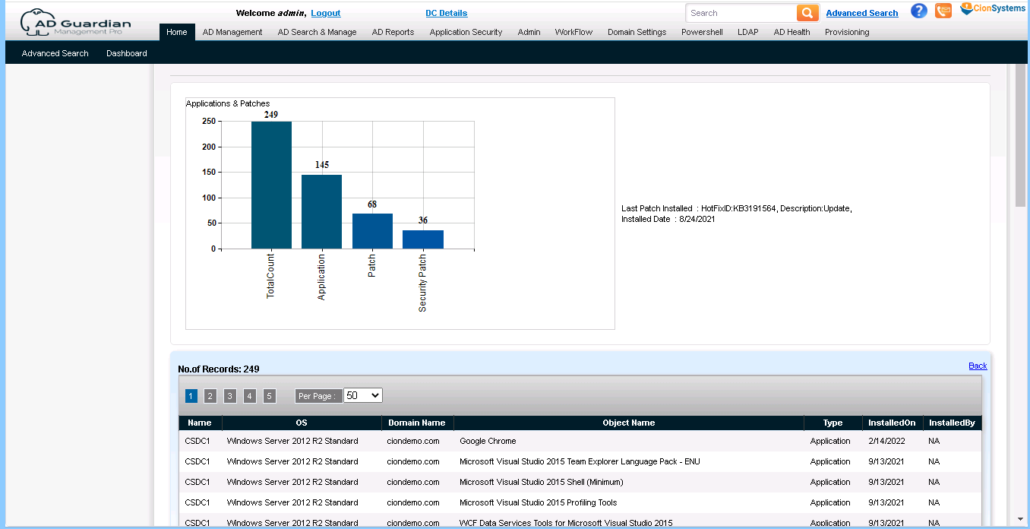
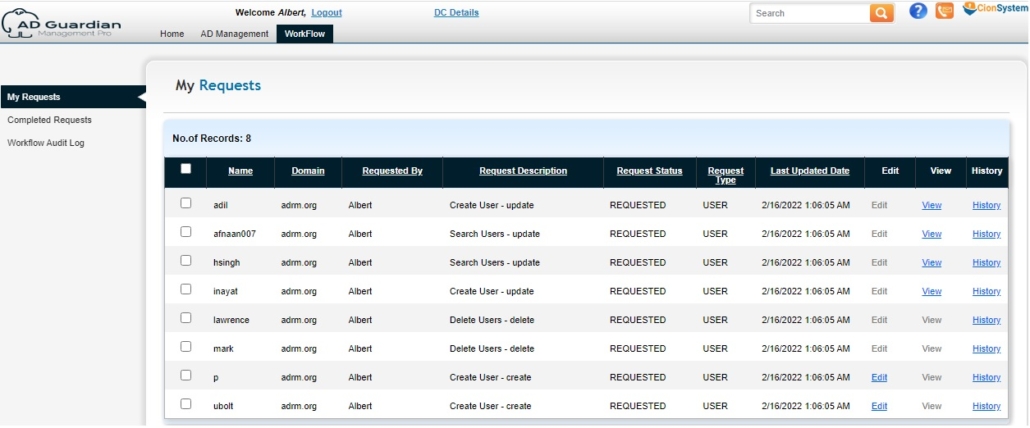
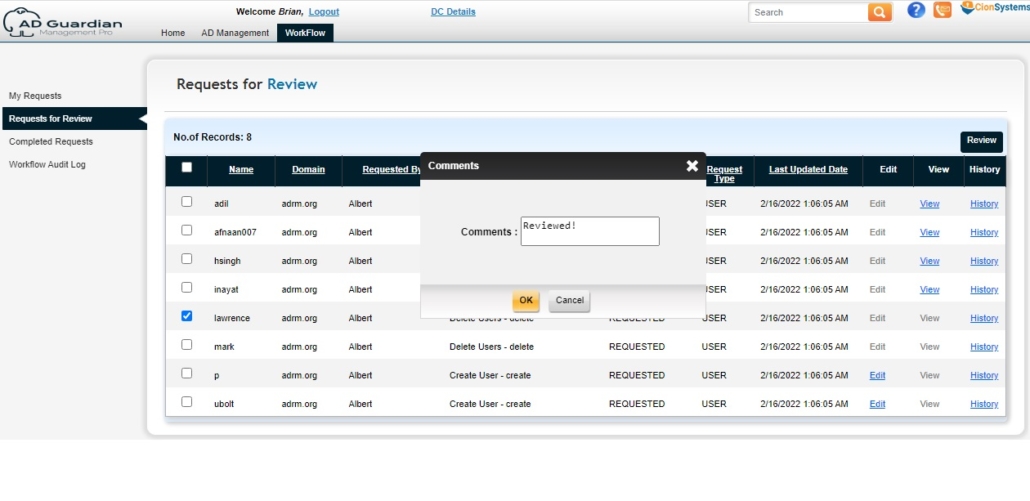
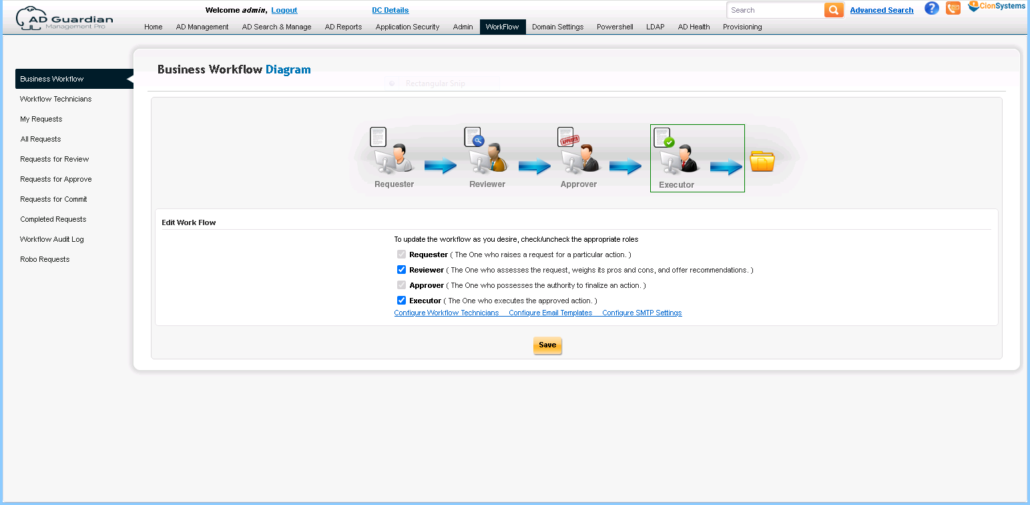
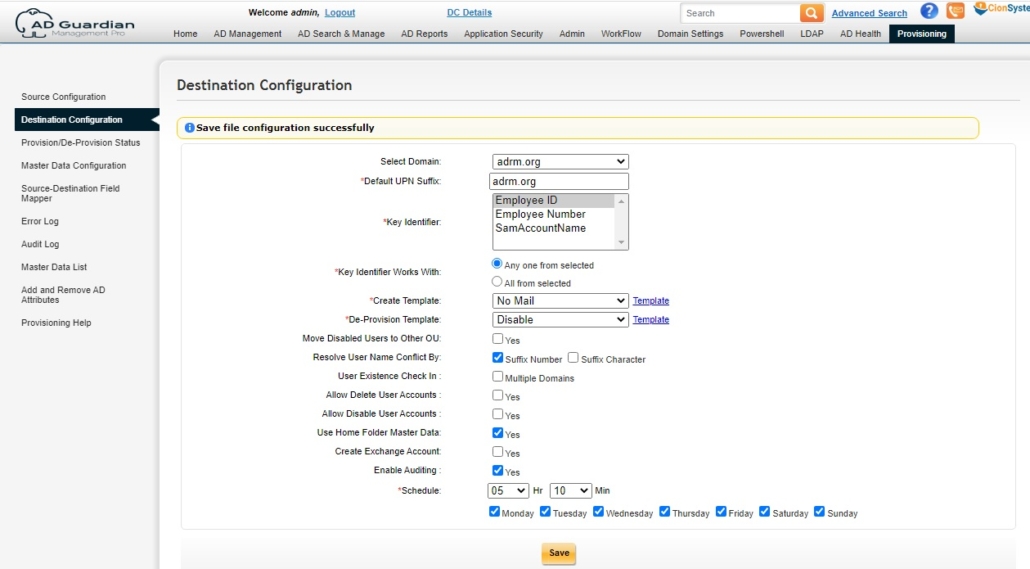
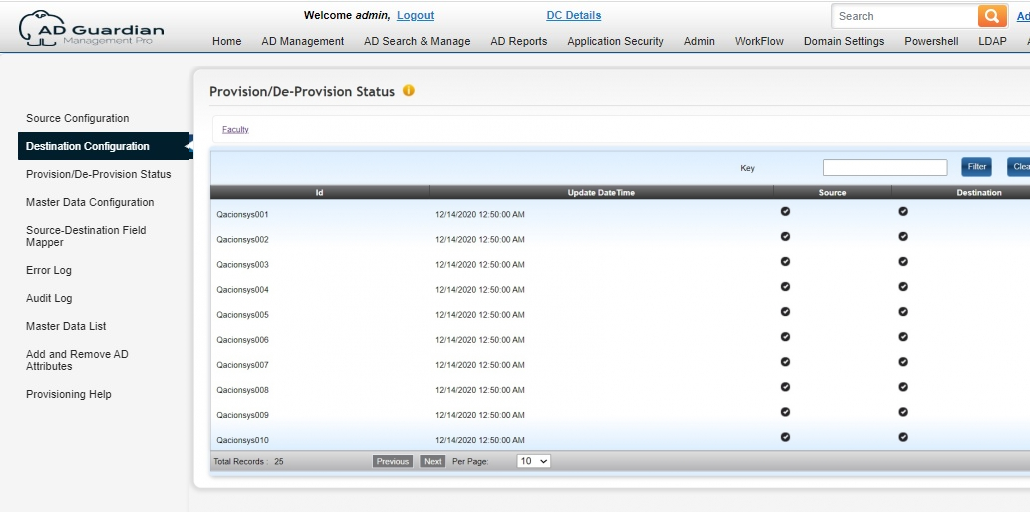
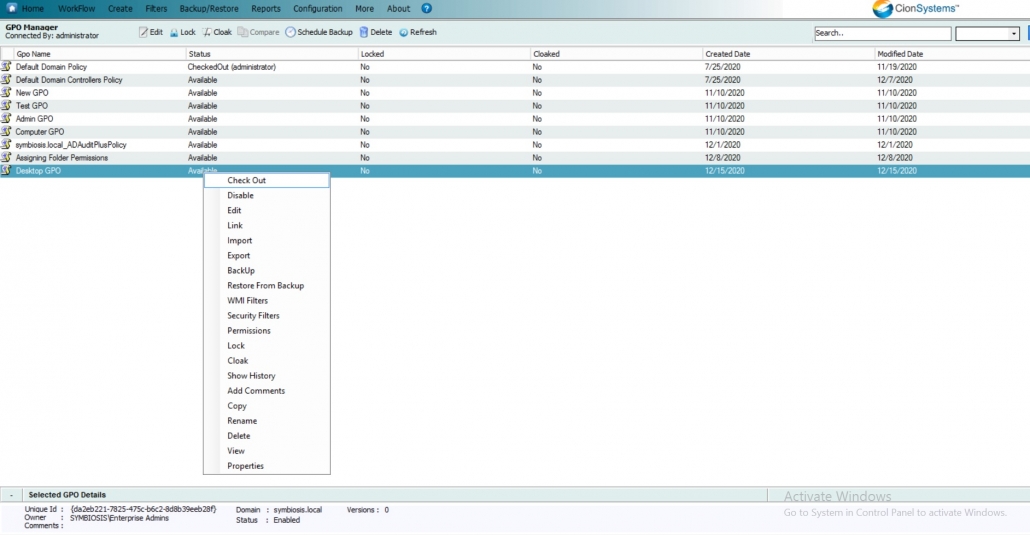
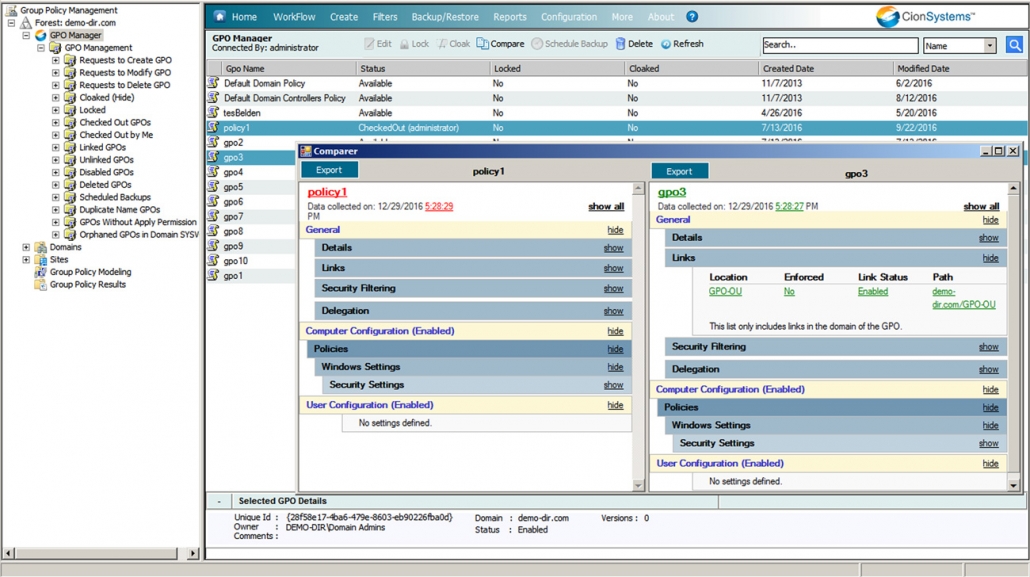
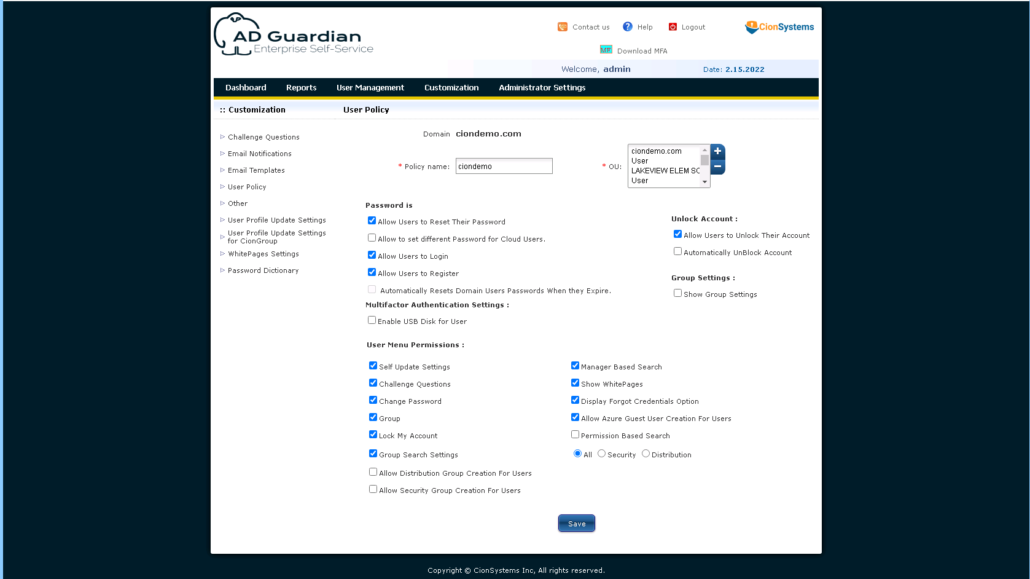
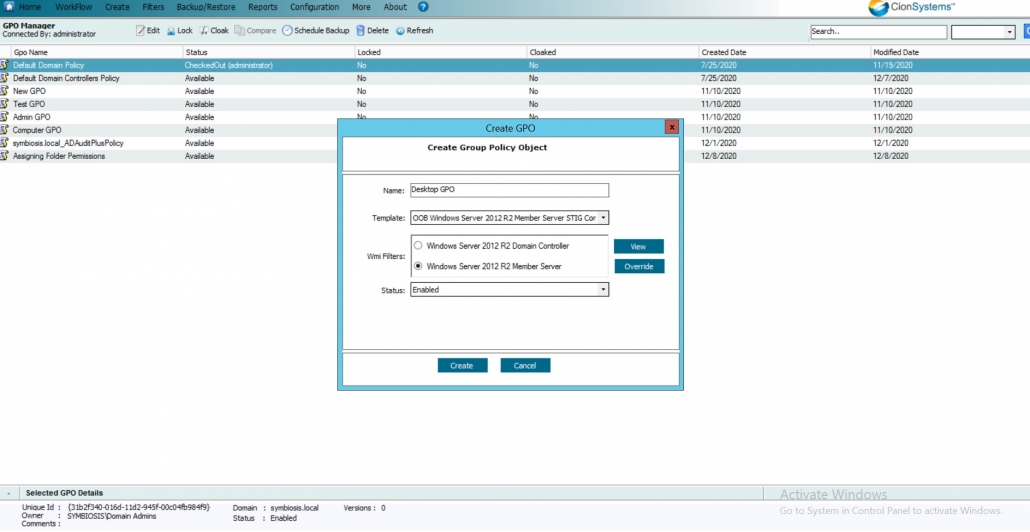
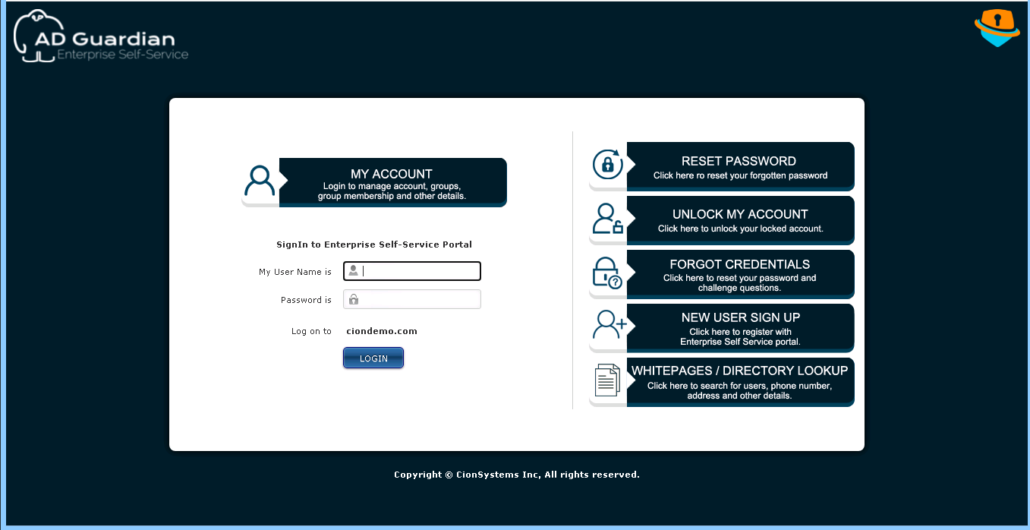
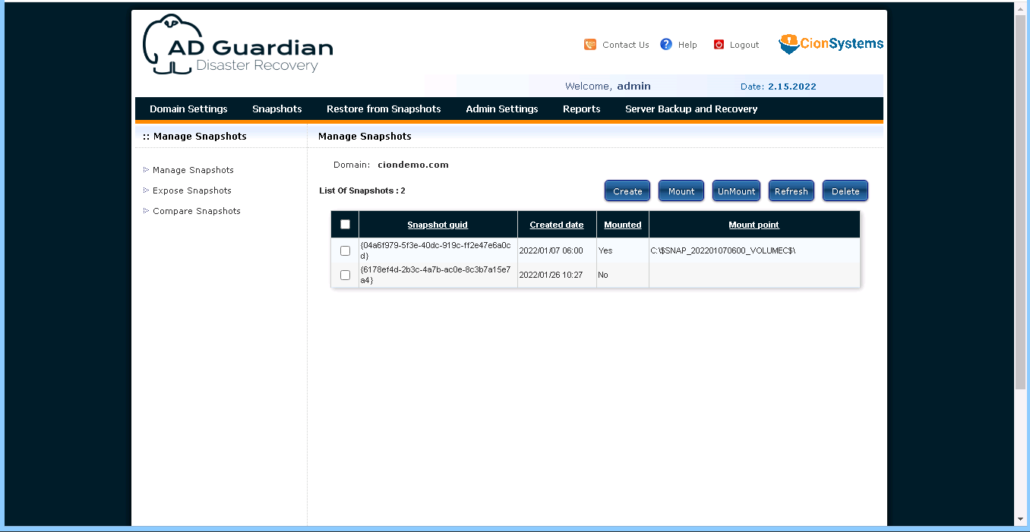
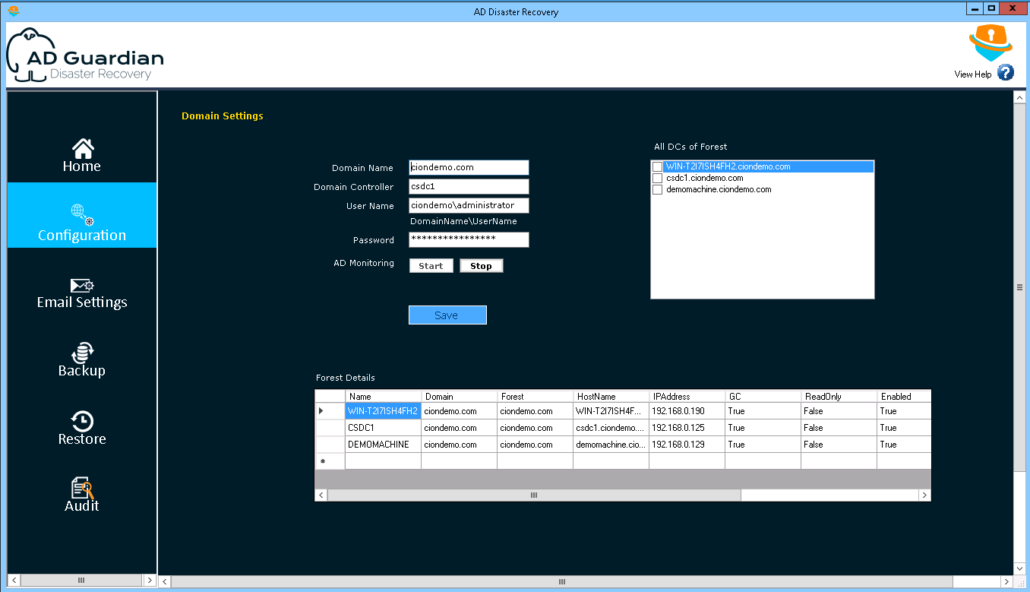
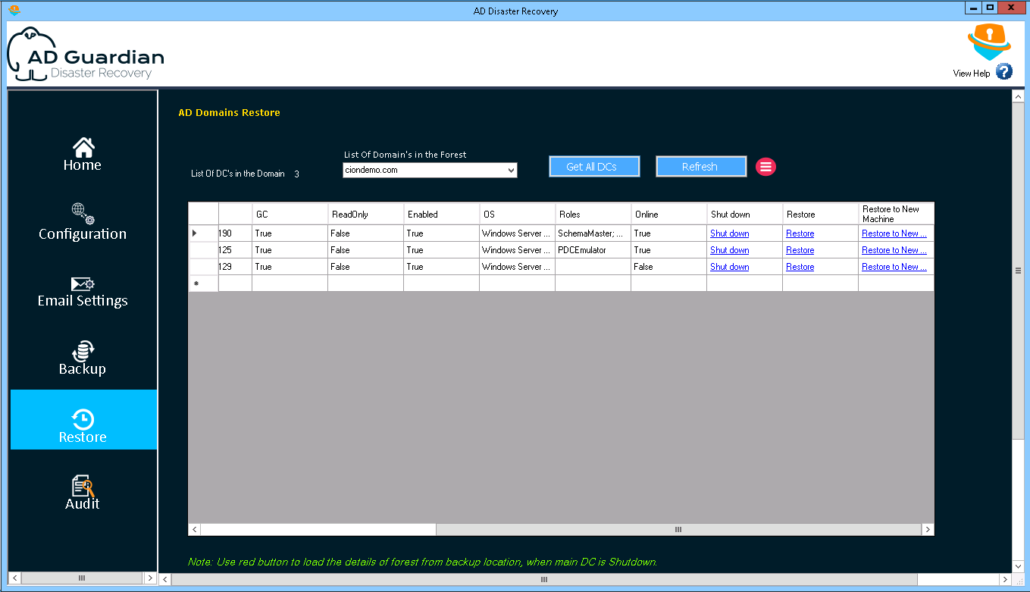
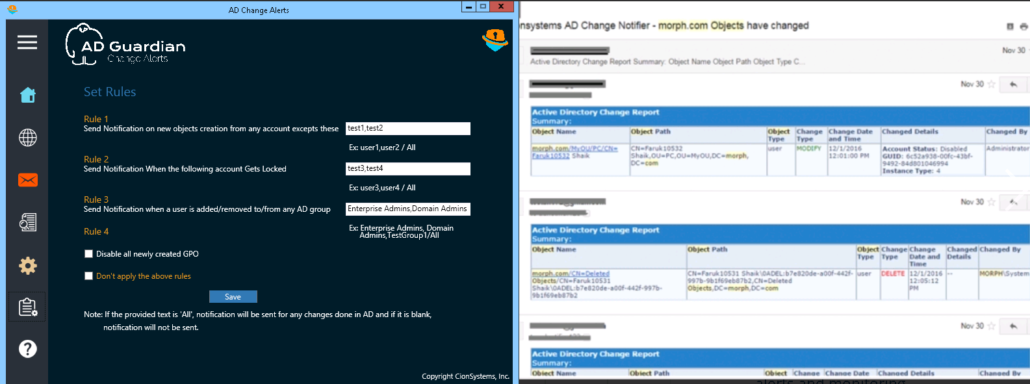
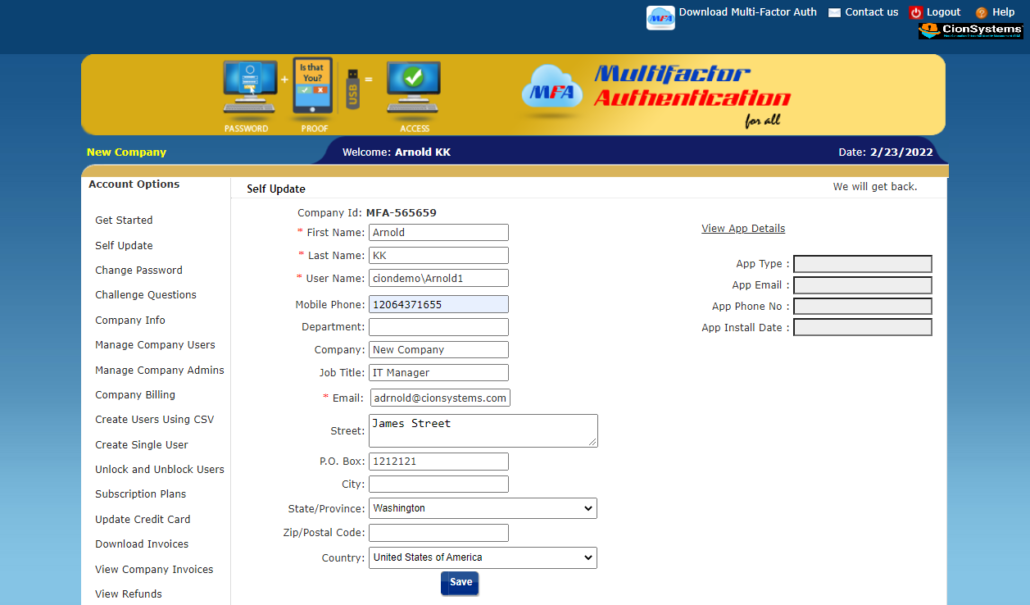
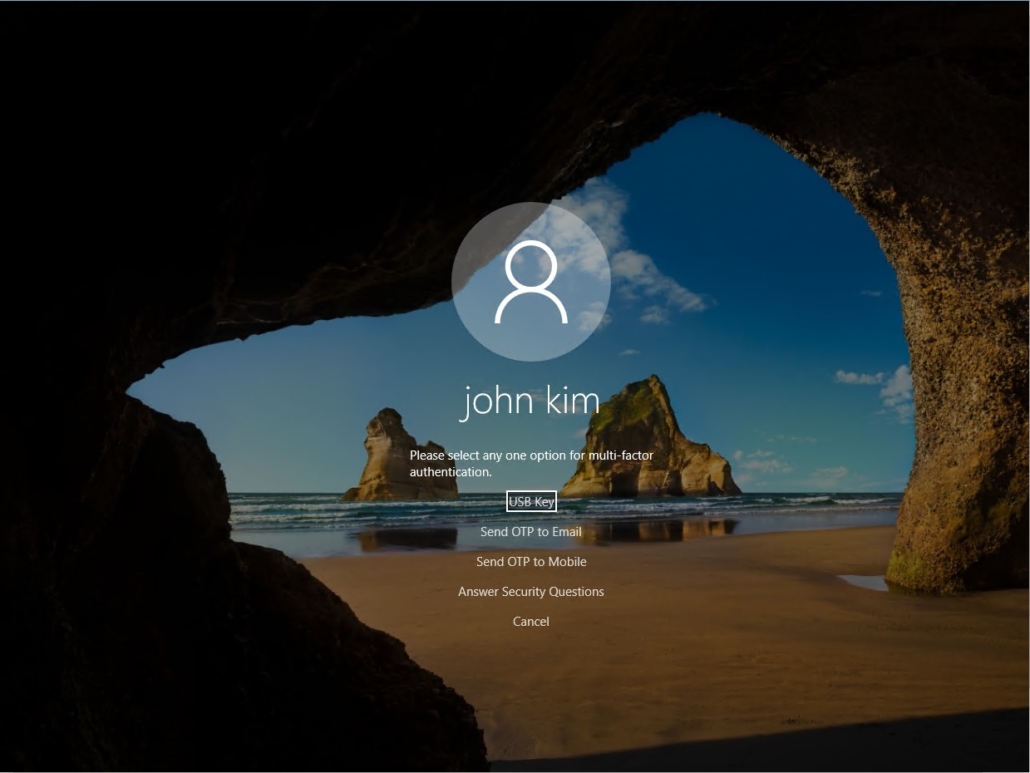
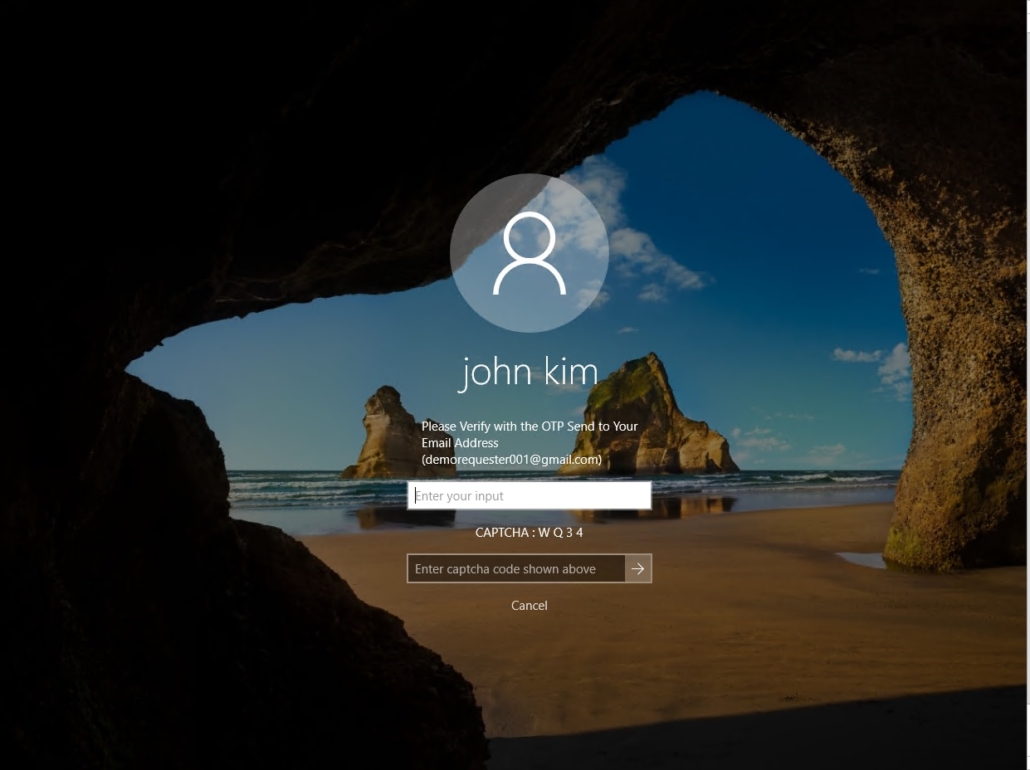

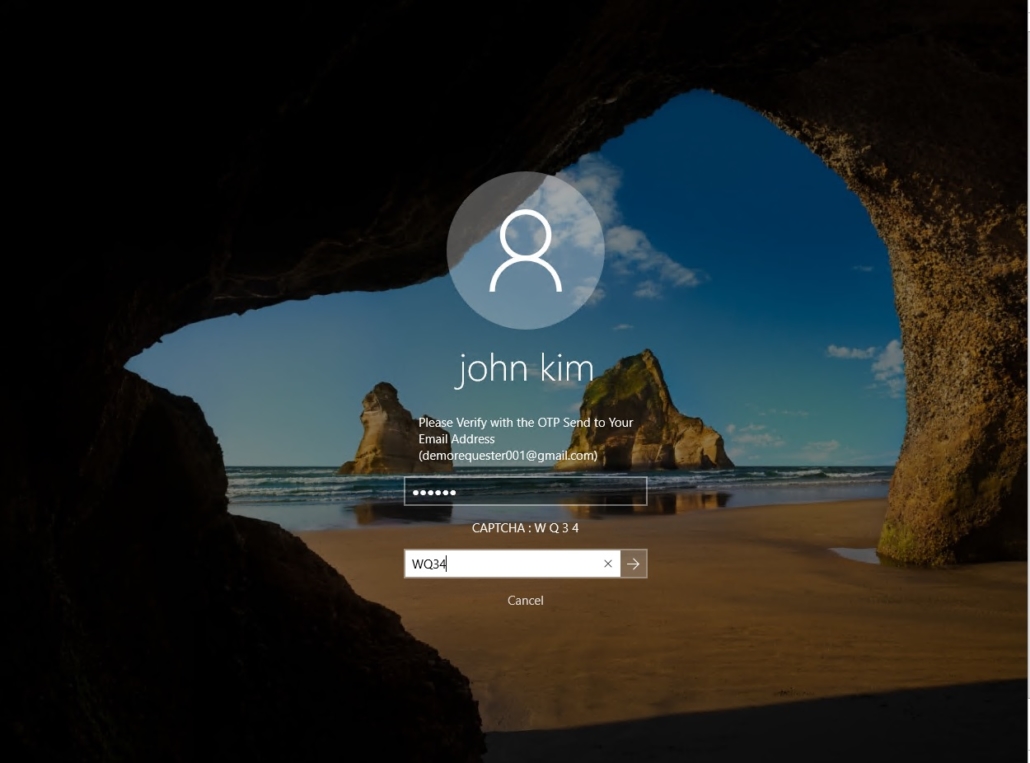
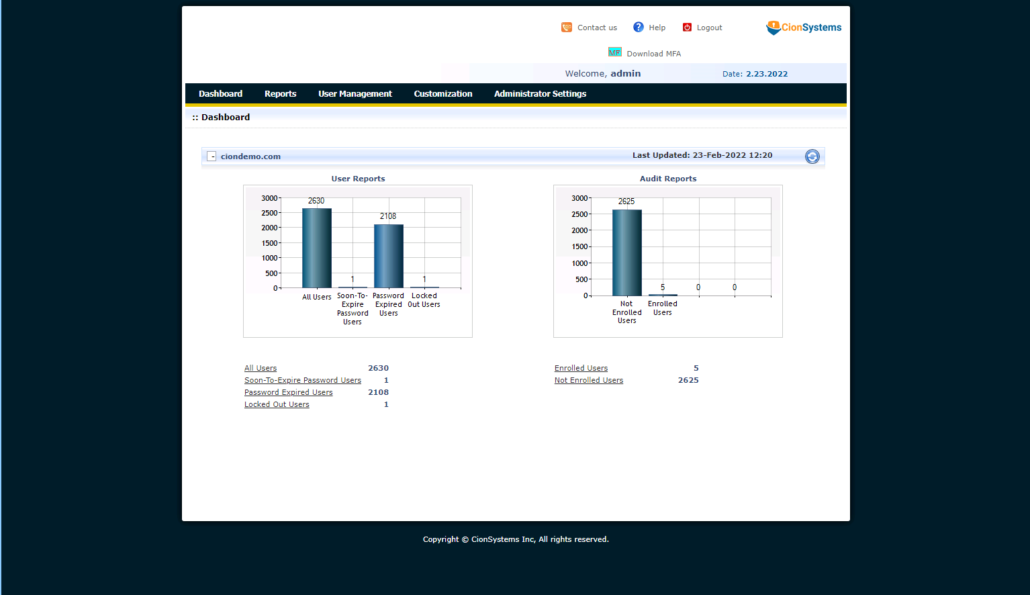
ADGuardian is the only firewall for Microsoft Active Directory. With over 80% of breaches beginning with compromised credentials, unmanaged identities, excessive privileges, and limited visibility across Microsoft Active Directory and Azure AD/Entra ID significantly increase risk especially in complex environments with employees, contractors, and third-party vendors accessing systems daily.
At CionSystems, we help organizations address this challenge by securing the identity layer through our award-winning ADGuardian® platform, designed to both prevent identity-based attacks and simplify IT operations.
ADGuardian® enables organizations to:
- Block known and compromised passwords before they can be exploited
- Enforce credential protection and just-in-time access to reduce standing privilege risk
- Automate onboarding and de-boarding to eliminate orphaned and over-privileged accounts
- Provide continuous auditing, reporting, and security assessments for compliance and visibility
- Reduce helpdesk burden through secure self-service and dynamic group management
- Improve resilience with identity remediation, disaster protection, and GPO lifecycle control
- Disaster protection of any kind to Microsoft AD or Entra ID
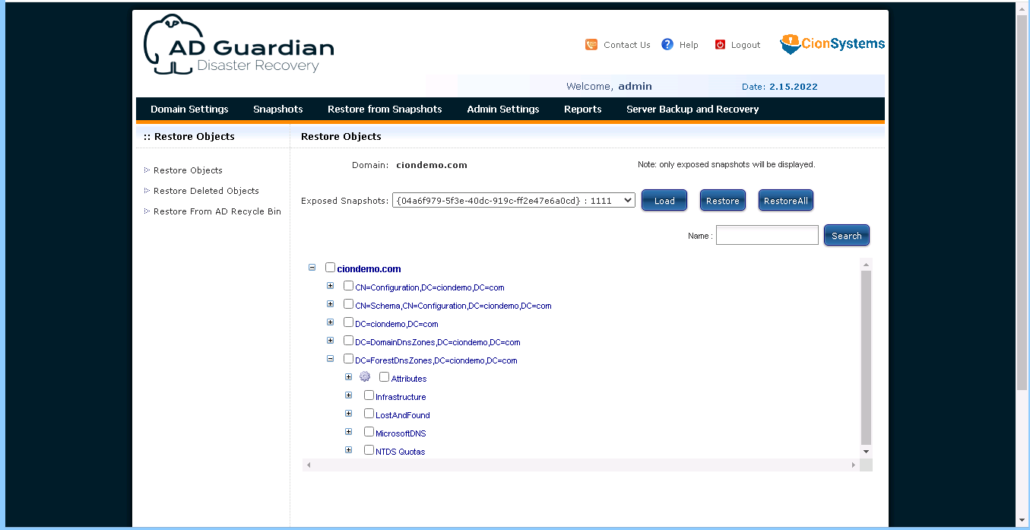
- Change tracking alerting and one click rollback of the change
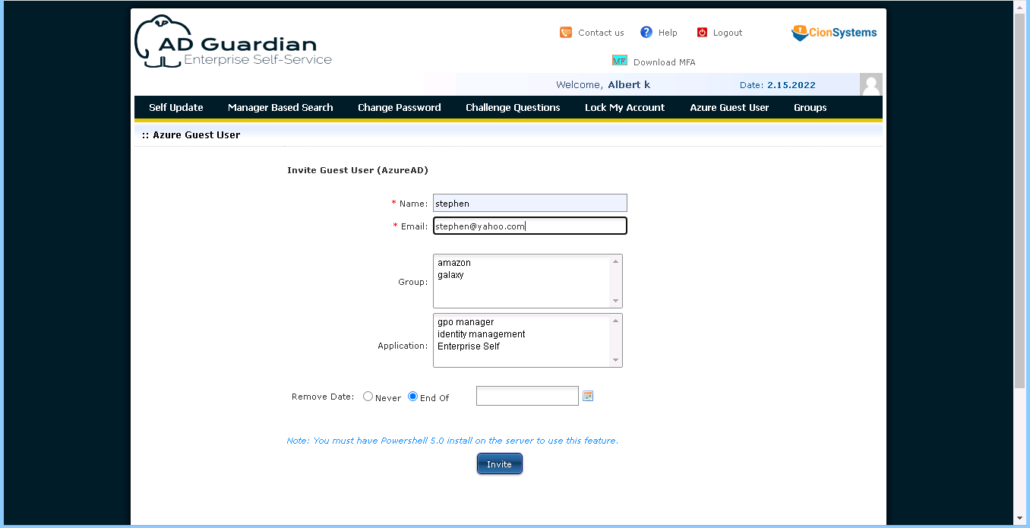
- Deliver seamless governance across Active Directory and Azure AD/Entra ID
By strengthening identity controls at the core, organizations can reduce breach likelihood and blast radius, while also improving uptime, compliance readiness, and IT efficiency all essential to maintaining uninterrupted operations.
Technical Demo: Scratch The Surface (Overview)
FAQ’s
What is Microsoft Active Directory (AD)?
Microsoft Active Directory (AD) is a directory service used by businesses to manage users, devices, and resources within a network. It provides centralized authentication and authorization services, ensuring that only authorized users and devices can access sensitive business data and resources. AD also simplifies network administration and security, allowing businesses to manage IT assets efficiently.
What is CionSystems’ ADGuardian+ | ADGuardian | Enterprise Identity Manager?
CionSystems’ ADGuardian+ | ADGuardian | Enterprise Identity Manager is a comprehensive solution designed to streamline the management of Microsoft Active Directory and other identity systems. It enables businesses to automate identity lifecycle processes, enforce security policies, and ensure compliance with industry regulations. ADGUARDIAN+ integrates seamlessly with Active Directory to improve user access control, automate provisioning and de-provisioning, and enhance overall security.
How does ADGuardian+ | ADGuardian | Enterprise Identity Manager improve Active Directory management?
ADGuardian+ | ADGuardian | Enterprise Identity Manager enhances Microsoft Active Directory management by automating and streamlining key identity management processes, including:
- Automated user provisioning: ADGUARDIAN+ automates the creation, modification, and deletion of user accounts within AD, reducing administrative overhead and ensuring accuracy.
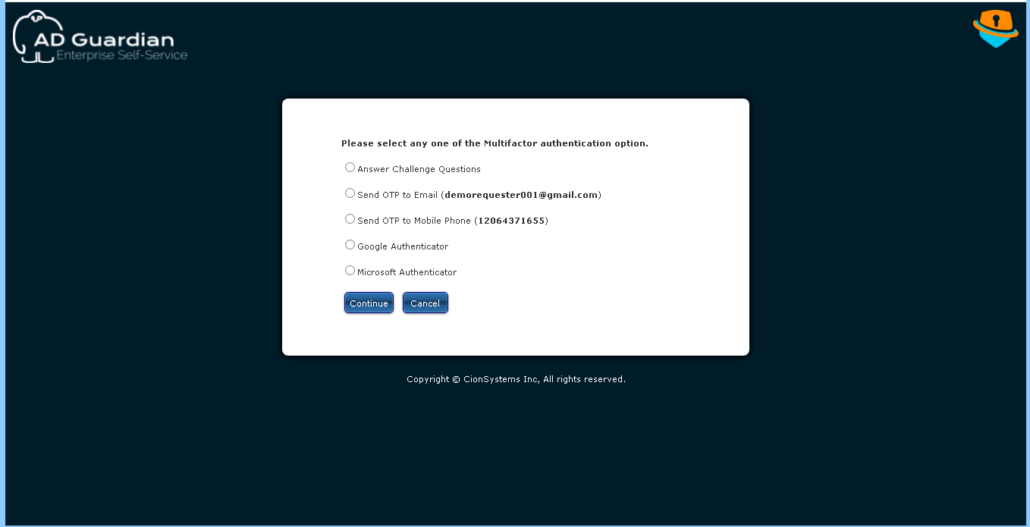
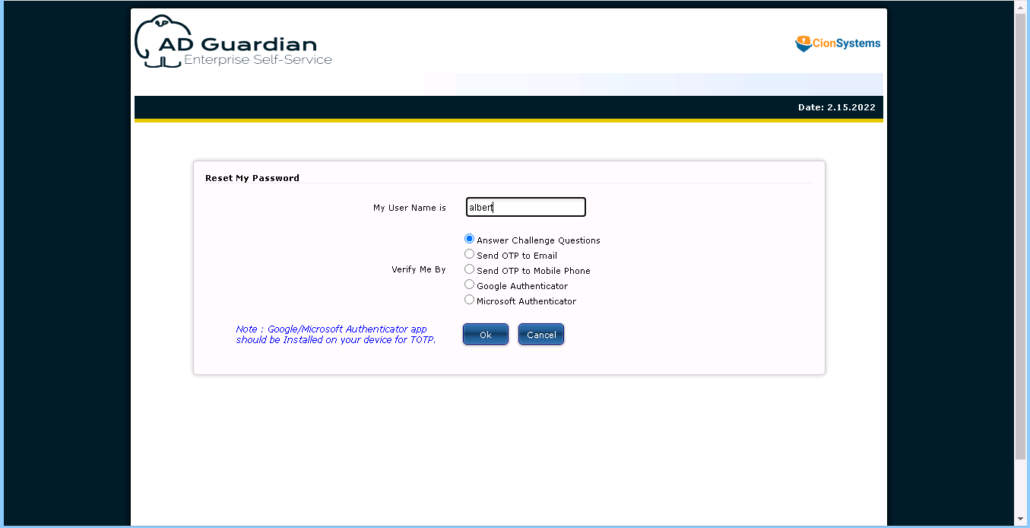
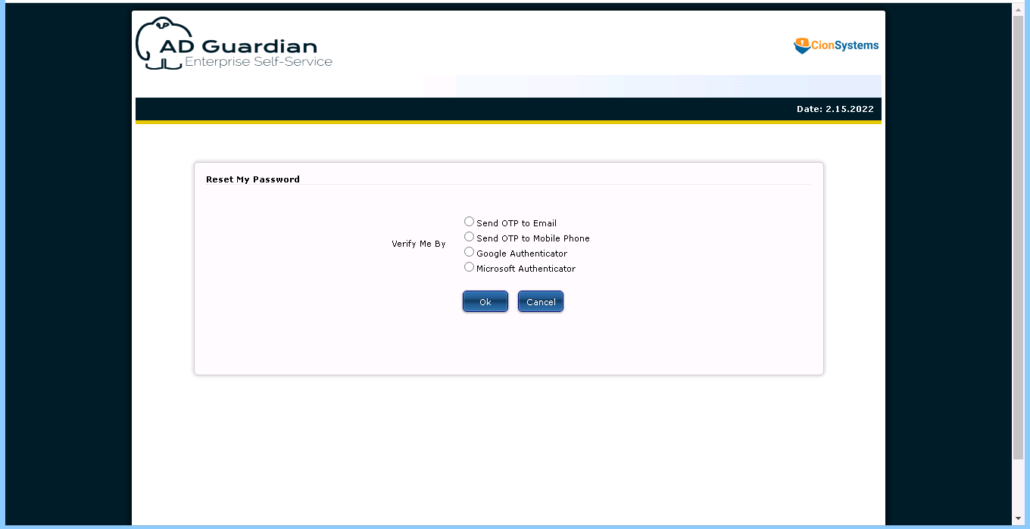
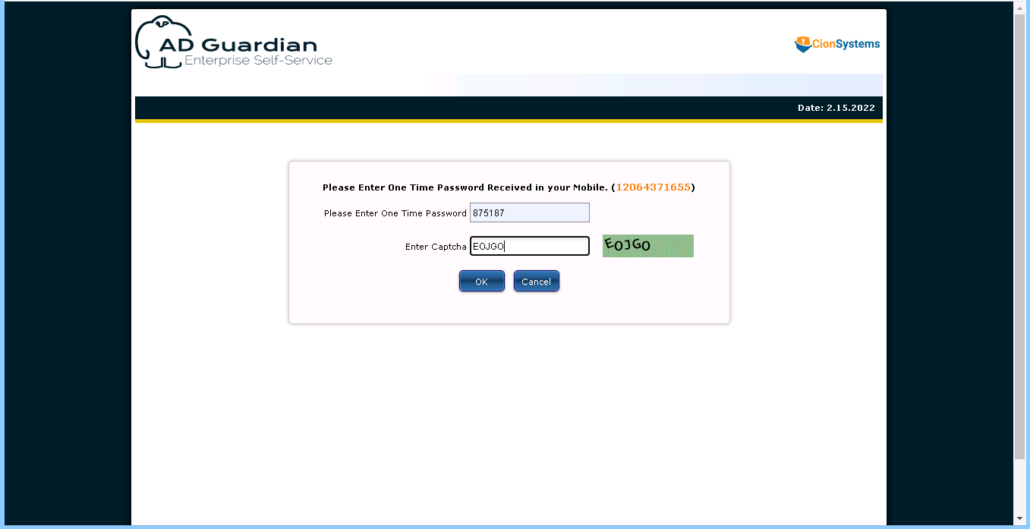
- Self-service password reset: Employees can securely reset their passwords without involving IT, reducing helpdesk tickets and improving productivity.
- Access governance: ADGUARDIAN+ provides visibility into user access rights, helping to enforce the principle of least privilege and prevent unauthorized access.
- Role-based access control (RBAC): Simplifies the management of user permissions by associating users with roles and ensuring consistent access policies across AD.
- Audit and compliance reporting: Generate detailed reports for compliance audits, tracking changes to user accounts, permissions, and group memberships.
How does ADGuardian+ | ADGuardian | Enterprise Identity Manager integrate with Active Directory?
CionSystems’ ADGuardian+ | ADGuardian | Enterprise Identity Manager (ADGUARDIAN+) integrates seamlessly with Microsoft Active Directory to enhance its functionality. The integration allows for:
- Centralized user and group management: Manage all AD objects (users, groups, and organizational units) from a single platform.
- Automated workflows: Automate processes like user onboarding, role assignment, and password resets within Active Directory.
- Custom policies: Define custom access control policies based on job roles, business rules, or compliance requirements, which are then applied across your Active Directory environment.
- Audit logging: Track all activities in Active Directory, from user changes to group modifications, to ensure accountability and compliance.
What are the key features of ADGuardian+ | ADGuardian | Enterprise Identity Manager?
ADGuardian+ | ADGuardian | Enterprise Identity Manager offers a variety of powerful features for businesses looking to enhance their Active Directory management, including:
- Identity lifecycle management: Automate user account creation, updates, and deactivation based on business events or role changes.
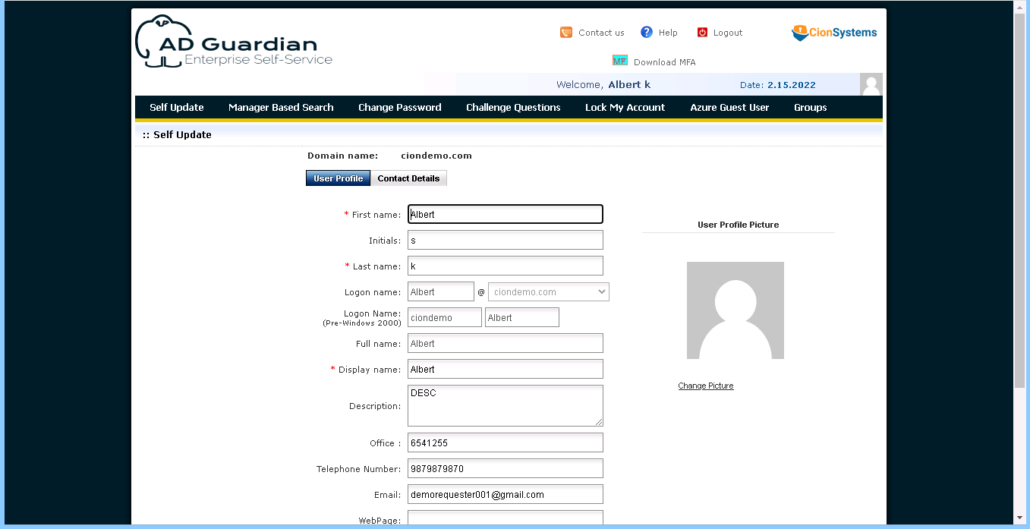
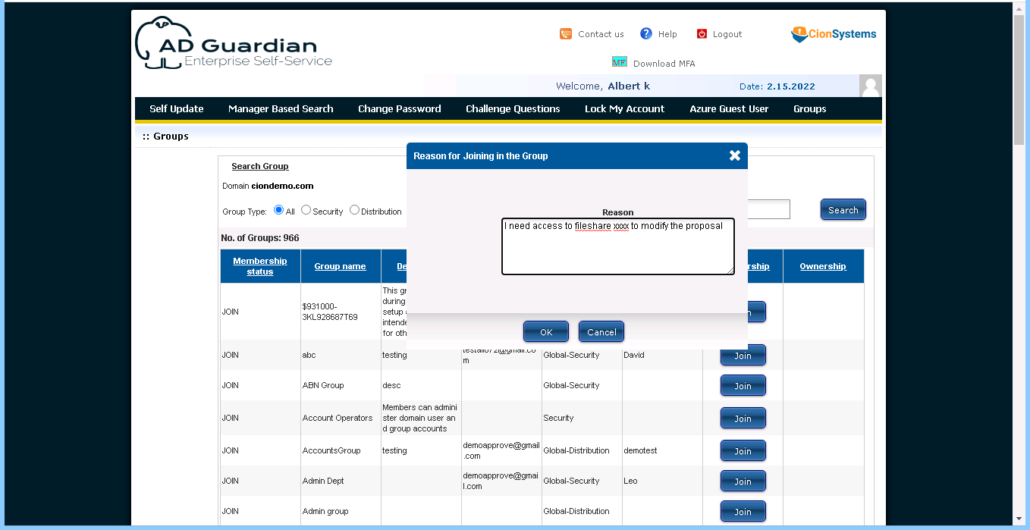
- Self-service capabilities: Enable users to manage their own profiles, reset passwords, and request access permissions without IT intervention.
- Advanced reporting and auditing: Generate detailed reports on user access, changes to AD objects, and compliance metrics.
- Access control and policy enforcement: Enforce consistent access policies across your Active Directory environment using role-based access control (RBAC) and business rules.
- Multi-platform support: Manage user identities across multiple systems, including Active Directory, cloud platforms (e.g., Office 365), and third-party applications.
How can ADGuardian+ | ADGuardian | Enterprise Identity Manager help with Active Directory security?
ADGuardian+ | ADGuardian | Enterprise Identity Manager enhances Active Directory security by:
- Enforcing strong access controls: Implement role-based access control (RBAC) and least privilege principles to ensure that users have only the access they need.
- Preventing unauthorized access: Automate user deactivation upon employee termination or role changes, reducing the risk of unauthorized access to sensitive data.
- Monitoring user activity: Track user activities and changes in AD, such as privilege escalations, group membership changes, or login anomalies, to identify potential security risks.
- Password management: Provide self-service password reset functionality to reduce the risk of password-related security breaches and improve user experience.
- Compliance enforcement: Ensure that access policies align with industry regulations, such as GDPR, HIPAA, and SOX, by enforcing role-based controls and generating audit logs.
How does ADGuardian+ | ADGuardian | Enterprise Identity Manager improve compliance for Active Directory?
ADGuardian+ | ADGuardian | Enterprise Identity Manager helps organizations comply with regulatory standards by:
- Automating user access reviews: Regularly review user access permissions to ensure they align with the principle of least privilege and that users only have access to the resources necessary for their roles.
- Generating compliance reports: ADGUARDIAN+ provides audit-ready reports that track user account changes, group memberships, and access modifications in Active Directory, helping you stay compliant with regulations like GDPR, HIPAA, and PCI DSS.
- Enforcing access policies: Ensure that access to critical systems and data is governed by clear policies that can be enforced across the entire Active Directory environment.
- Audit trails: Keep a complete log of all user activities in AD, making it easy to demonstrate compliance during audits and investigations.
Can ADGuardian+ | ADGuardian | Enterprise Identity Manager help with role-based access control (RBAC) in Active Directory?
Yes, ADGuardian+ | ADGuardian | Enterprise Identity Manager provides robust role-based access control (RBAC) features that simplify the management of user permissions in Microsoft Active Directory. With RBAC, you can:
- Assign roles: Associate users with predefined roles based on their job responsibilities, simplifying the process of managing user permissions.
- Enforce policies: Ensure that users only have access to the resources necessary for their role, reducing the risk of over-provisioned accounts.
- Automate role assignments: Automatically assign roles to users based on business rules, such as job titles, departments, or projects, ensuring consistent and secure access controls.
How does ADGuardian+ | ADGuardian | Enterprise Identity Manager support self-service for Active Directory?
ADGuardian+ | ADGuardian | Enterprise Identity Manager enables self-service capabilities for Active Directory users, allowing them to:
- Reset passwords: Users can securely reset their passwords without IT intervention, reducing helpdesk ticket volumes and improving productivity.
- Update user profiles: Employees can update their personal information, contact details, and other profile settings directly through a self-service portal.
- Request access: Users can request access to resources or applications through a simple, automated workflow, which administrators can approve or deny.
How do I get started with ADGuardian+ | ADGuardian | Enterprise Identity Manager?
Getting started with CionSystems’ ADGuardian+ | ADGuardian | Enterprise Identity Manager is easy:
- Contact us: Reach out to CionSystems to schedule a consultation and discuss your Active Directory and identity management needs.
- Integration: Our team will help integrate ADGuardian+ | ADGuardian | Enterprise Identity Manager with your existing Active Directory environment and configure the solution according to your requirements.
- Customization: We will work with you to define access policies, automate workflows, and set up self-service capabilities.
- Ongoing support: CionSystems offers ongoing support to help you optimize and maintain your identity management system.
How can I contact CionSystems for more information on ADGuardian+ | ADGuardian | Enterprise Identity Manager?
For more information or to schedule a demo, you can contact CionSystems through:
- Phone: 425-605-5325
- Email: info@cionsystems.com
- Demo: https://cionsystems.com/register/
- Contact Form: Visit cionsystems.com/enterprise-identity-manager and fill out the contact form for personalized assistance.